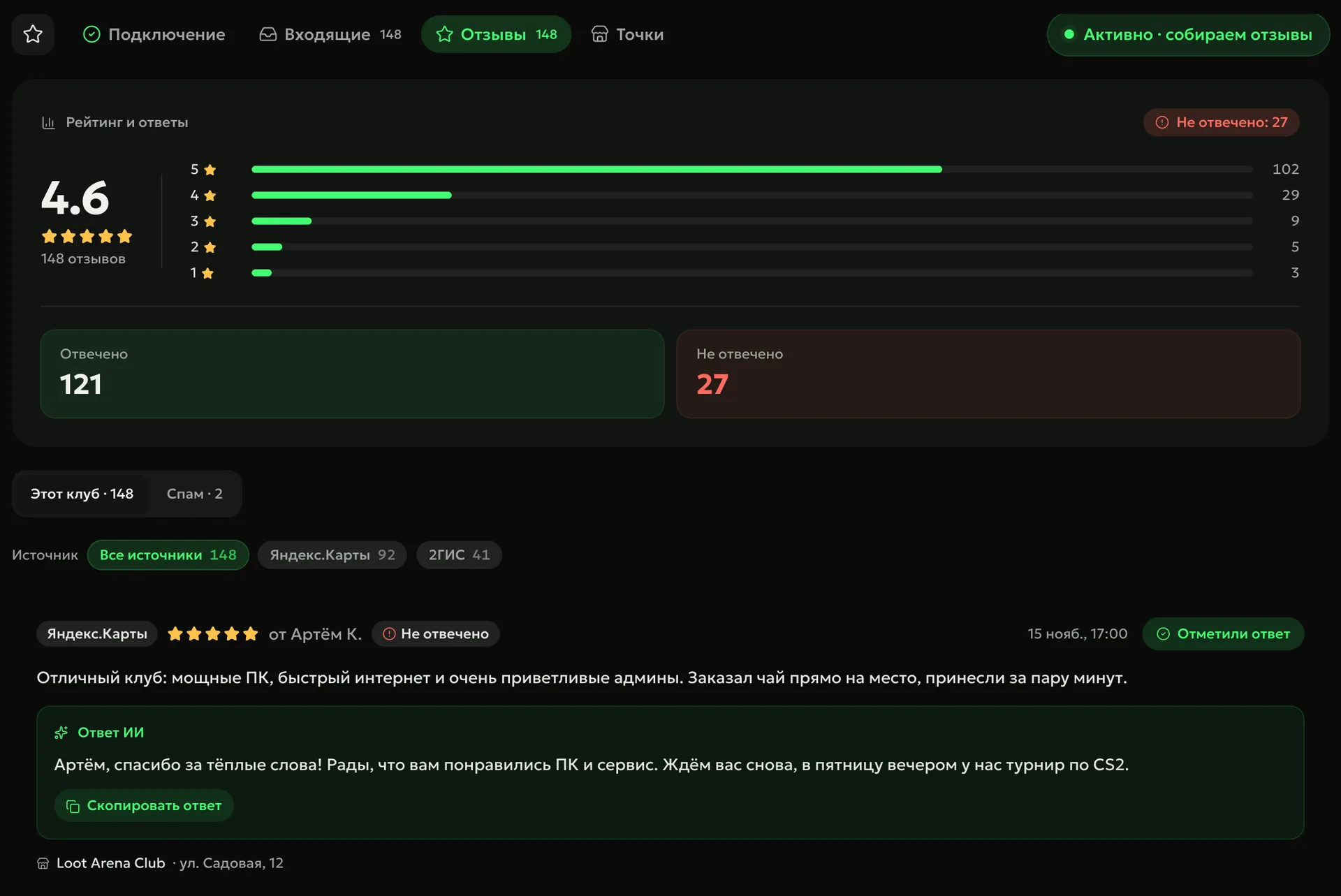
Reviews from Yandex Maps, 2GIS and Google reach the ERP by themselves, and AI drafts a reply right away. A bad review can create a task, and a map review becomes a rewarded task for the guest.
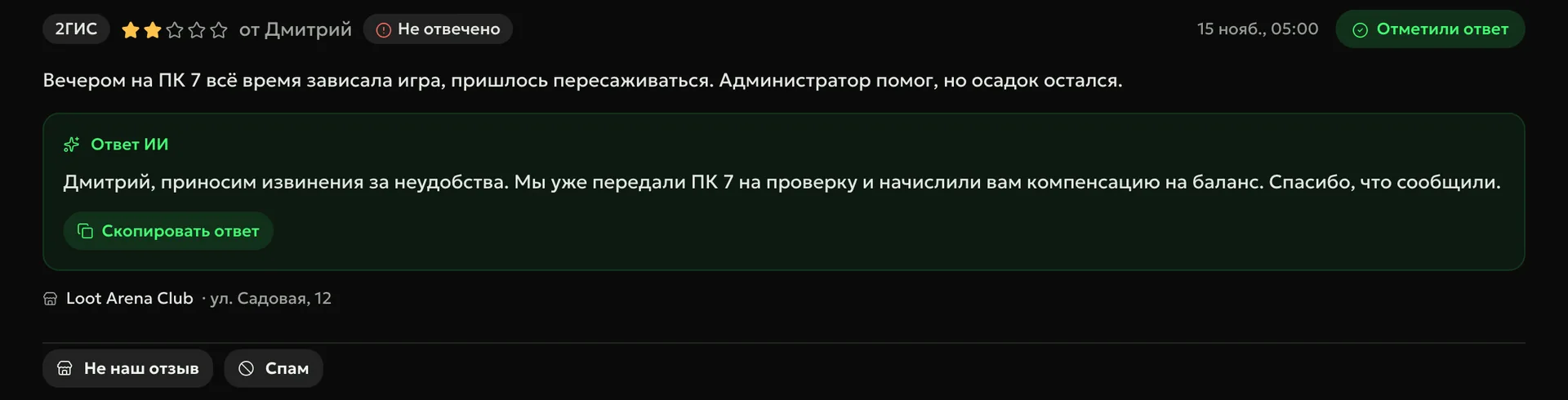
For every review AI drafts a reply right away — addressed by name and to the point. Staff copy the reply, open the review on the platform via the link and mark it answered.
Unanswereda counter shows how many reviews still need a reply
Not our review and spamremoved from the feed with one button
Resolve
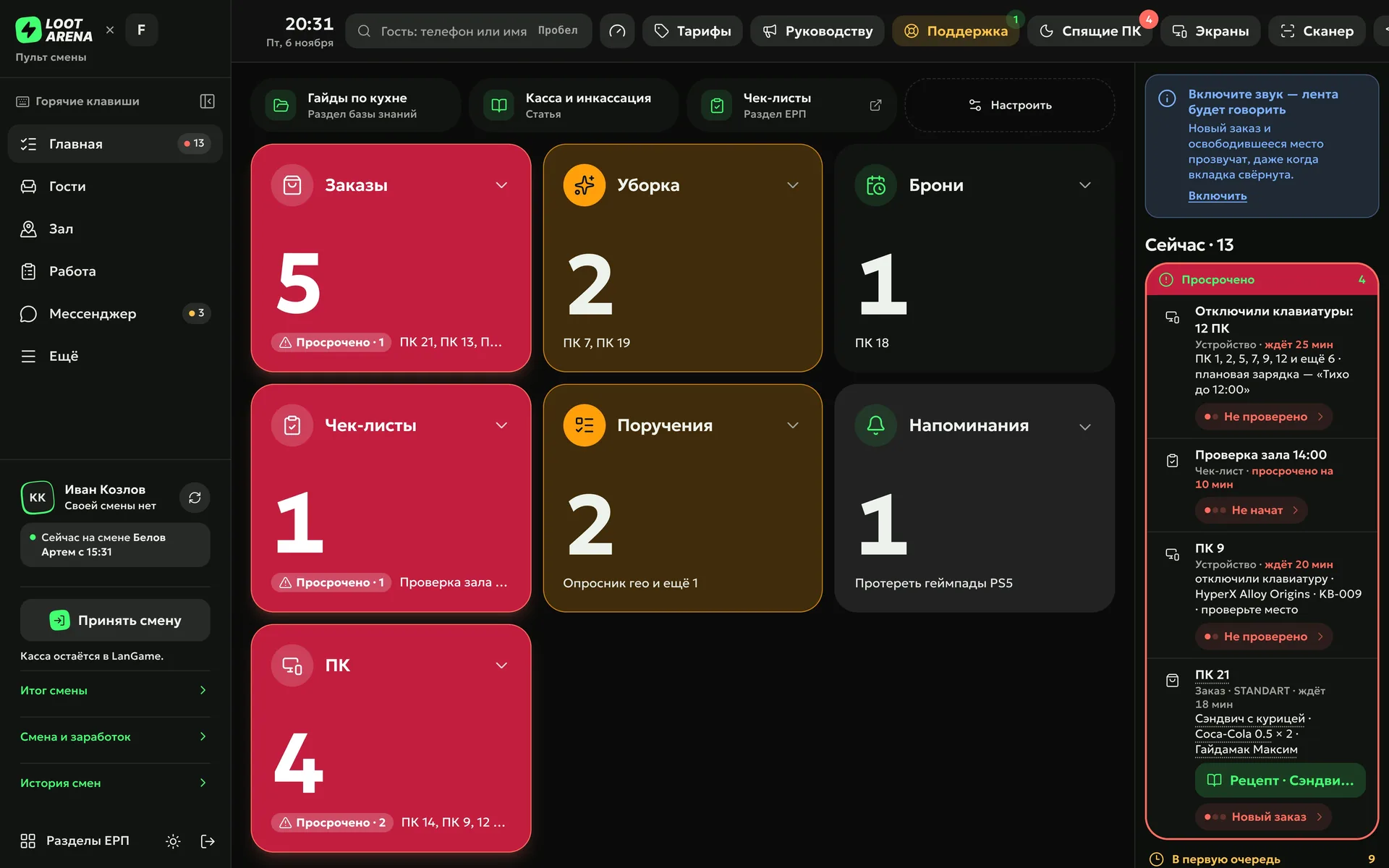
A bad review on the maps or a low post-session rating from a guest on SmartShell creates a task by itself, with the assignee, deadline and items from your template. The task reaches the assignee on the shift console; auto-tasks work with the Operations module.
Encourage
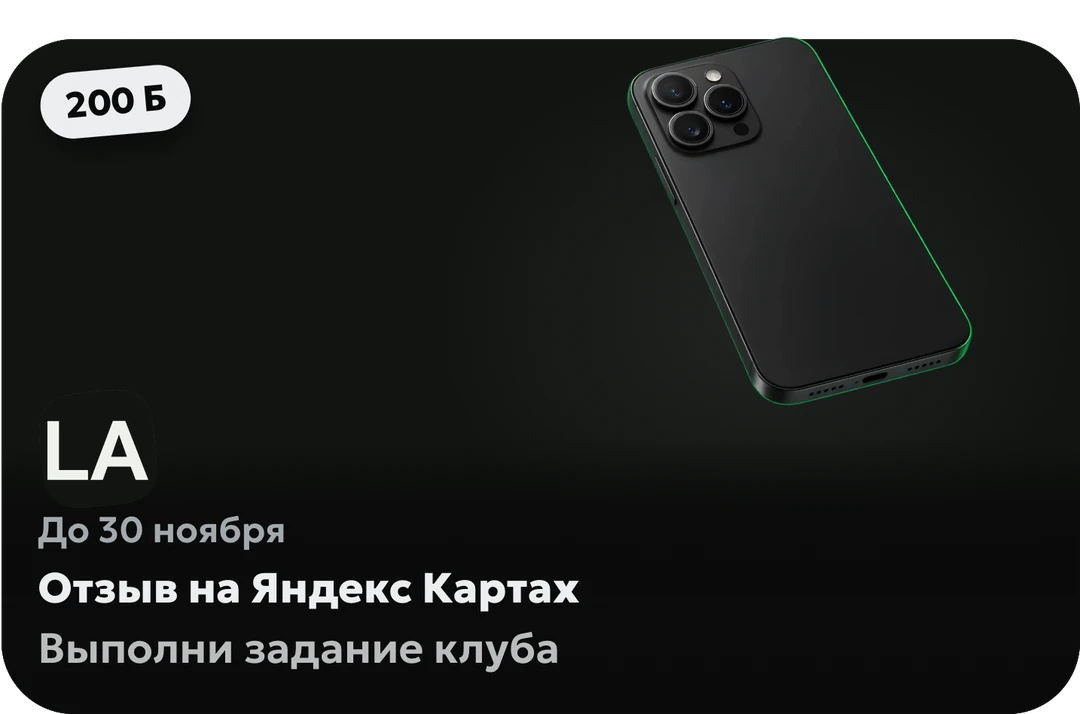
A review on the maps becomes a club task in the app with a reward. The guest shows a QR code, the admin ticks the check items and attaches a photo, and the log keeps who credited the task and when.
How to start
Create a club address
The ERP sets up a club mailbox for review emails.
Turn on forwarding
Emails about new reviews from your Yandex Maps, 2GIS and Google accounts are forwarded to this address — the ERP walks you through it step by step.
Reply with the AI draft
Copy the reply, open the review via the link and mark it answered.
From Yandex Maps, 2GIS and Google: emails about new reviews are forwarded to the club’s address, and the ERP parses them and notifies the club’s Telegram. On SmartShell, guests’ post-session ratings also reach the ERP.
Does AI reply to reviews by itself?
No. AI writes a draft, and staff copy it and publish it on the platform via the link from the ERP. Reply drafts are included in the module.
How do I get more reviews on the maps?
Launch a “Review on the maps” task with a reward. The guest sees it in the app, and the admin credits it by QR code with a photo.
What do I do with a bad review?
Turn on an auto-task rule: a bad review on the maps creates a task with an assignee, deadline and items. Auto-tasks work with the Operations module.
Can I see why a guest unsubscribed from the club?
Yes. When unsubscribing from the club in the app, a guest can give a reason, and it arrives in the club’s Telegram.
Try Loot Arena
7 days on your club’s data: the shell integration by API is already set up, and every feature is open with no limits. It all happens by itself — your access arrives by email.