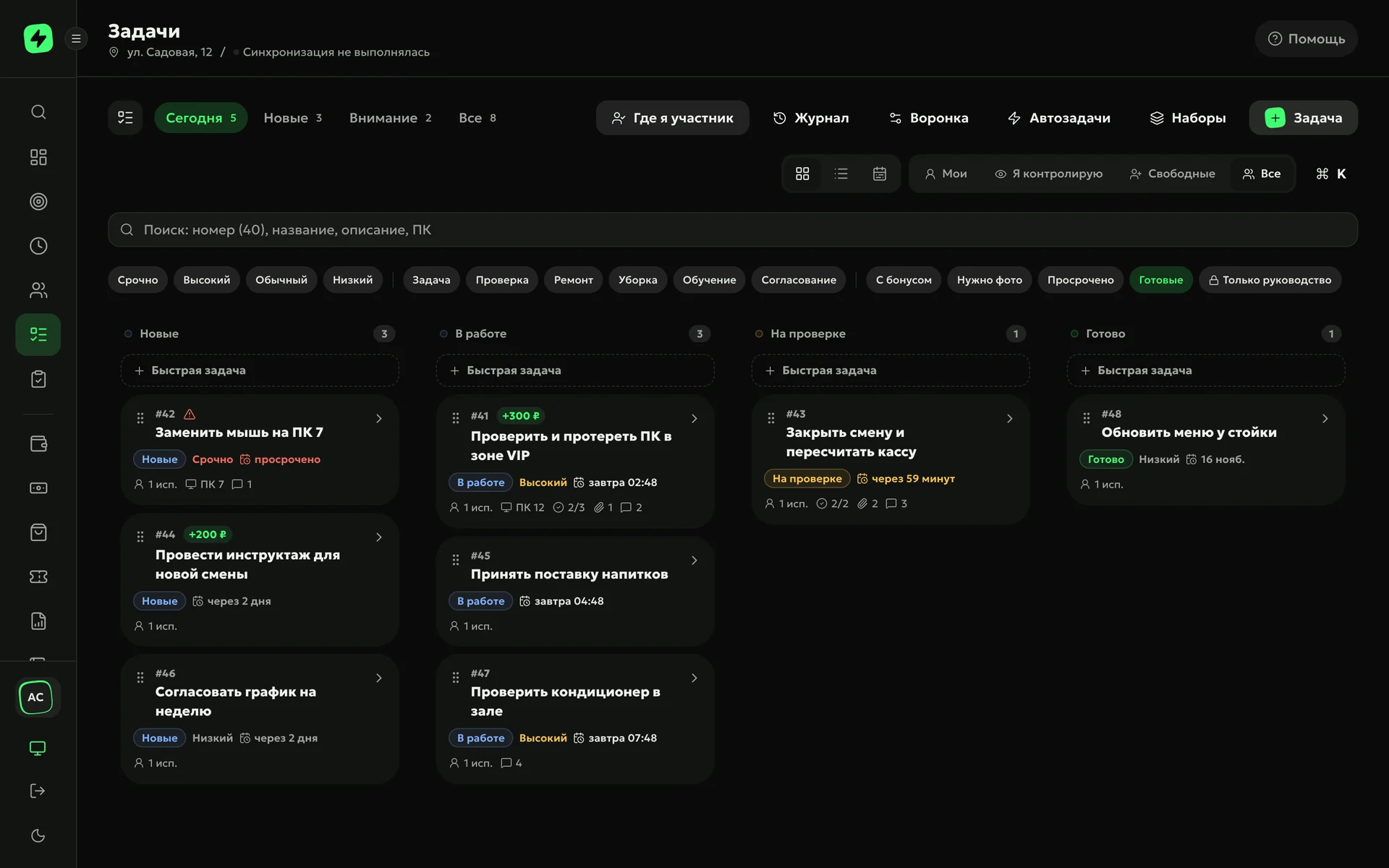
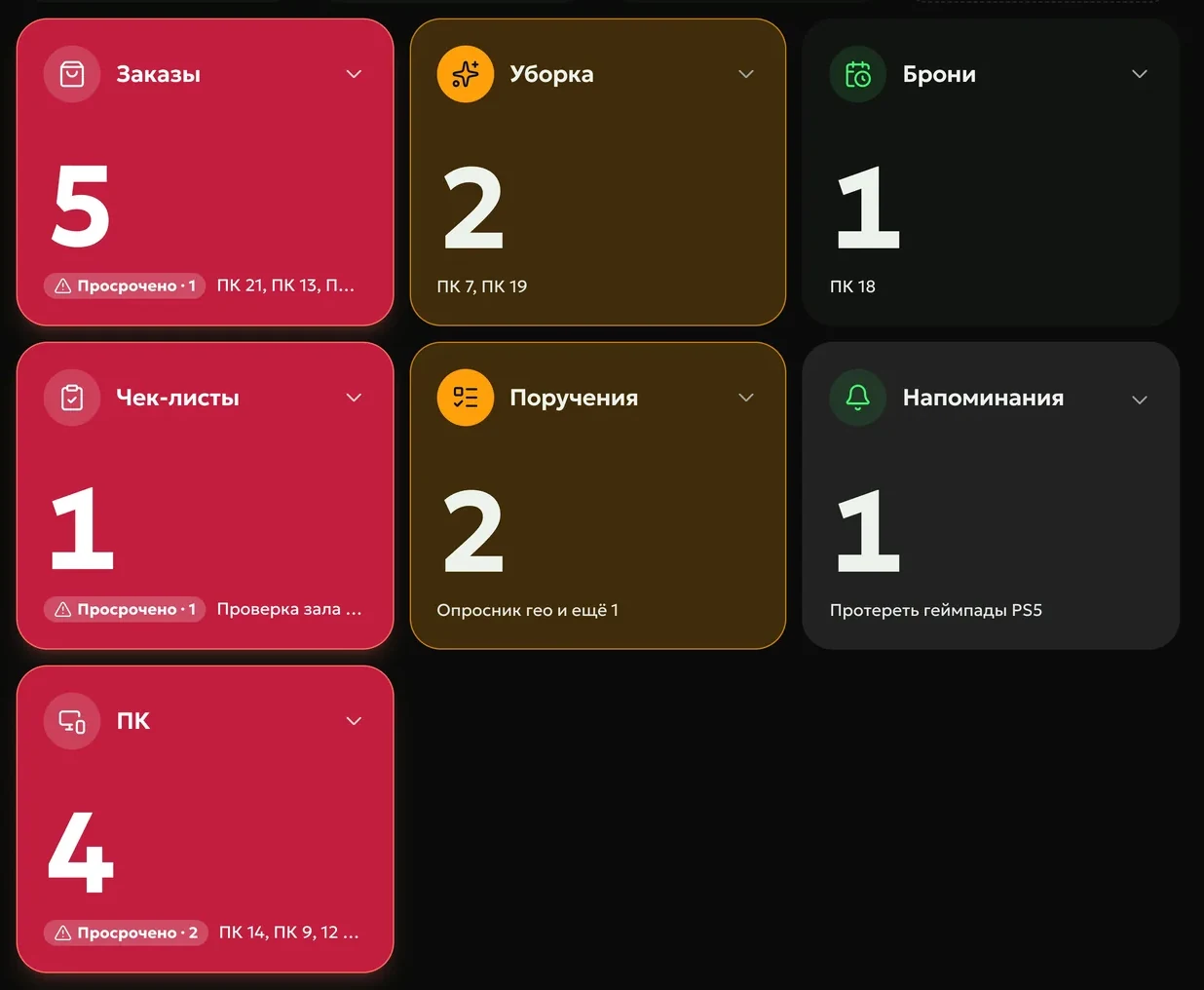
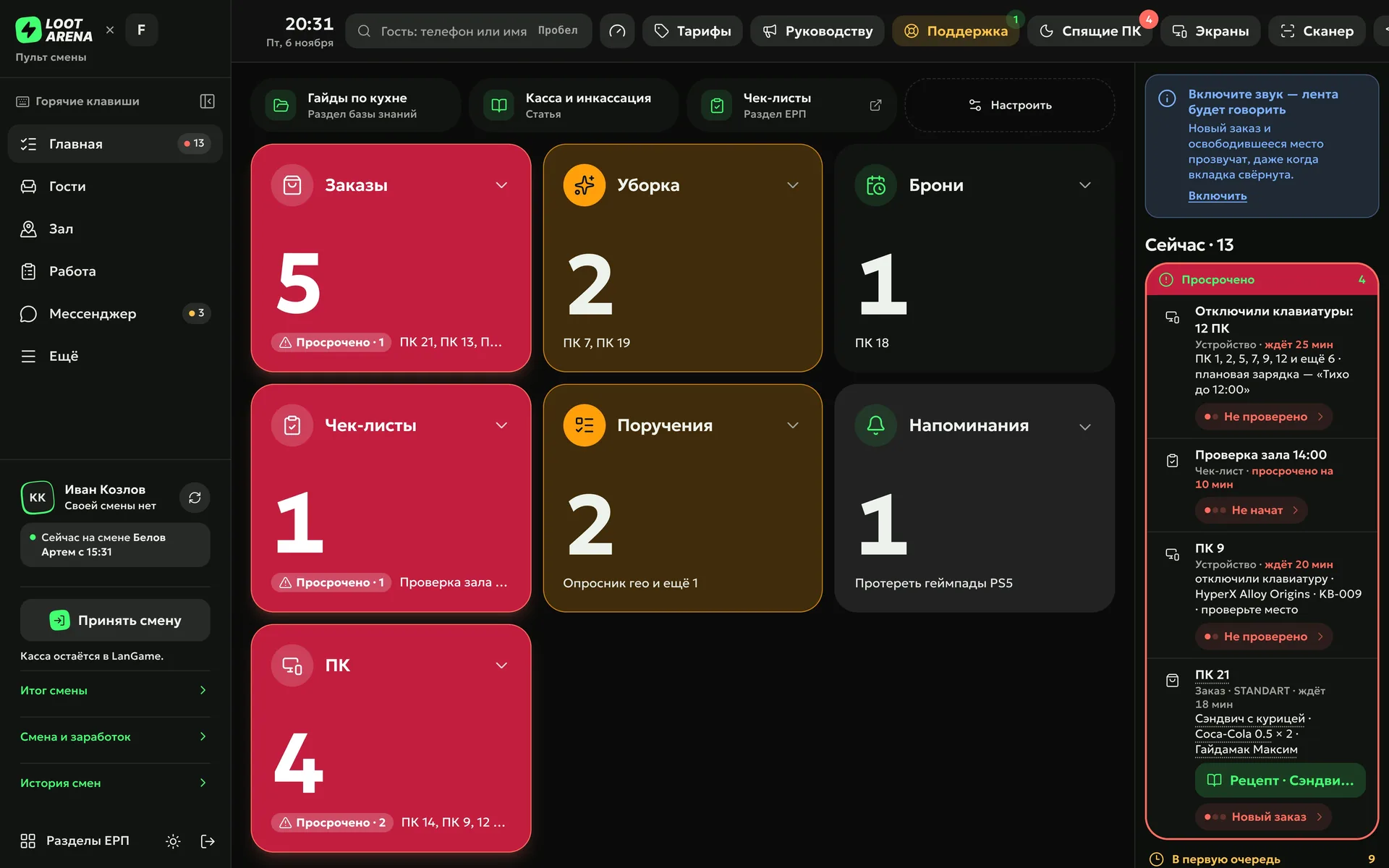
An assignment reaches the assignee in the shift console and on their phone — with a deadline and, where needed, a photo and a manager’s review. Recurring tasks the ERP creates by itself: on a calendar and on events in your club’s shell — the billing software such as LanGame, SmartShell, Gizmo or iCafeCloud.
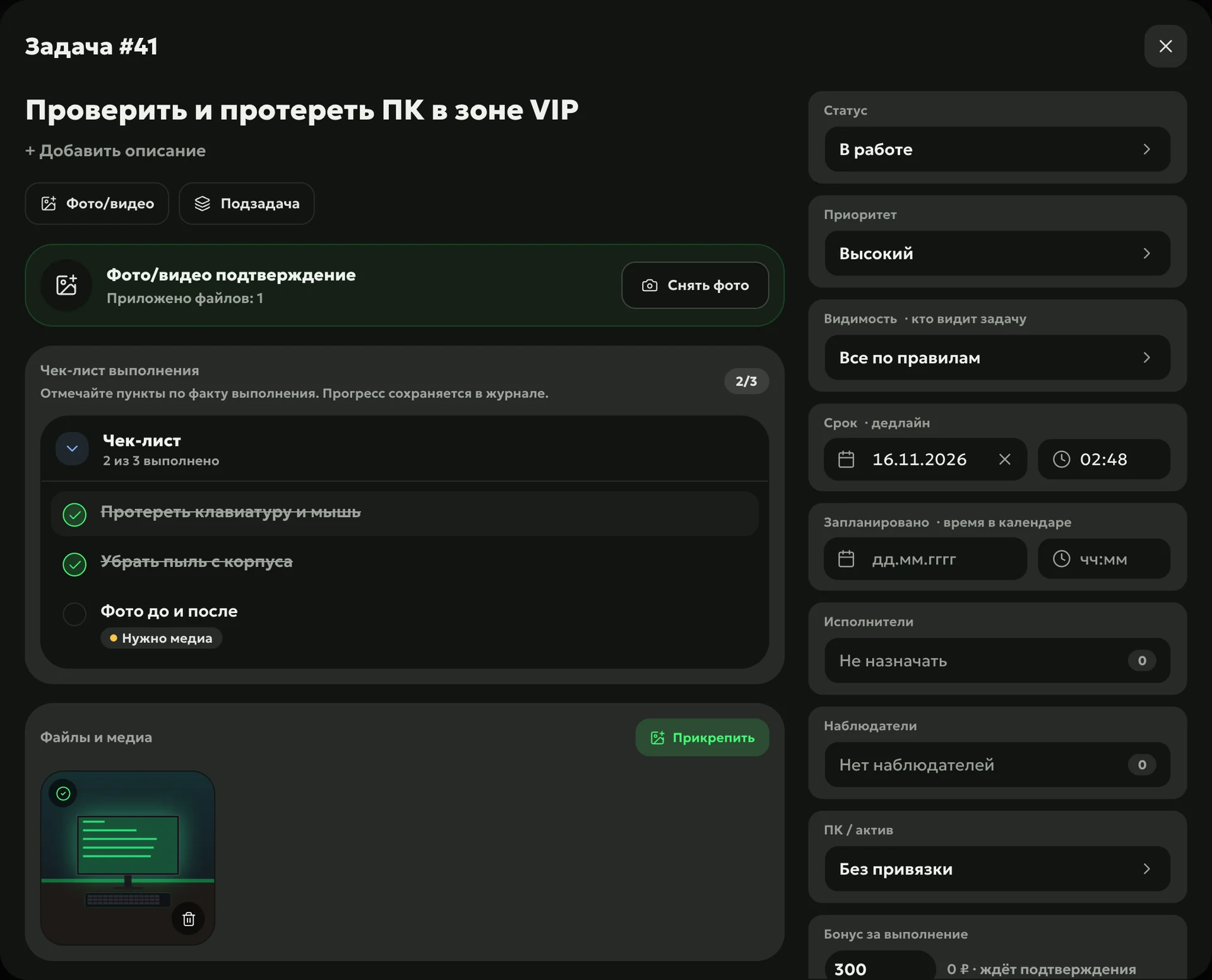
The manager sets an assignment with an assignee, a deadline and a priority, and attaches a PC, a checklist or a knowledge base article. You can require a photo or video and a review before closing, and the task bonus goes into payroll once a manager confirms it.
Today, Inbox, Oversightshift tasks, new assignments, review and overdue items
Subtasksthe main task can’t be closed while its steps are open
Repeat
A calendar auto-task creates the task by itself: once a month on a set date or on chosen weekdays. Auto-tasks on shell events catch what is easy to forget: a prepaid package or a gift certificate is sold — a task goes to whoever sold it; a sale is cancelled — a task goes to management.
Monthly or weeklythe assignee is you or the admin on shift
On shell eventsa sale of a chosen product and a cancelled sale
Task setsa repeating list starts as a whole
Report
The air conditioner broke, the salt ran out — the admin taps “To management” in the console: a template, a text, up to three photos and urgency. The task for management lands in the owner’s or manager’s “Tasks”, and a notification goes to the club’s Telegram chat.
How to start
Turn on auto-tasks
On a calendar — monthly or on chosen weekdays — and on shell events: a sale and a cancelled sale.
Set the first assignment
Assignee, deadline, photo and review — the assignment appears in that person’s console and on their phone.
Connect the club chat
New tasks and tasks for management arrive in the “Tasks” topic in Telegram with a link to the task.
No. An admin sees tasks where they are the assignee or the author, and the “Management only” flag hides a task even from its assignee.
How does an admin report a problem to management?
With the “To management” button in the shift console: a template — “Something broke”, “Ran out”, “Guest complaint” or “Need help” — a text, up to three photos and urgency. The task goes to the owner or manager, and the admin sees its status in the list of tasks sent that week.
Can I stop getting tasks from the shift?
Yes. In the access settings of their own profile, an owner or manager turns off “Tasks from the shift”, and the console stops offering them in the “To” list.
How does a task bonus get into payroll?
You set it when creating the task, and after confirming the result, a manager sends the bonus to the assignee’s payroll. The same task can’t pay a bonus twice.
Which module includes tasks?
Operations: the task board, auto-tasks and “To management” in the console. Admins handle their own assignments in the mobile admin workplace, which is open to every club.
Try Loot Arena
7 days on your club’s data: the shell integration by API is already set up, and every feature is open with no limits. It all happens by itself — your access arrives by email.