
Integrations — with any shell
Loot Arena runs on top of your club’s shell — the billing software such as LanGame, SmartShell, Gizmo or iCafeCloud — so you keep the software you have. Sessions, guests, purchases and shifts reach the ERP over the API, with no exports or spreadsheets.
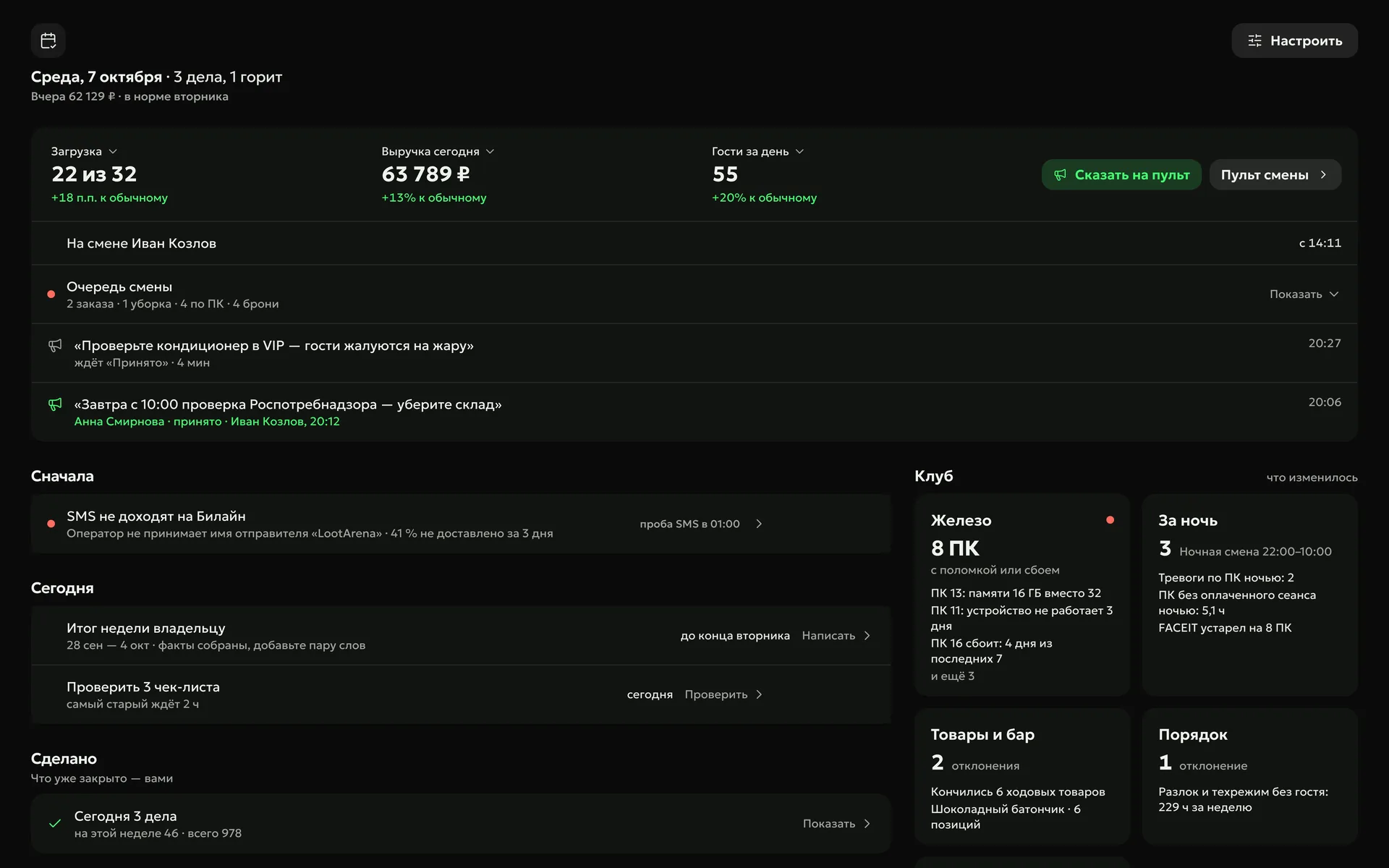
What reaches the ERP
Shell data updates by itself, and the shift console, payroll, campaigns, missions and reports all run on it.
Shells we work with
Official LANGAME partner
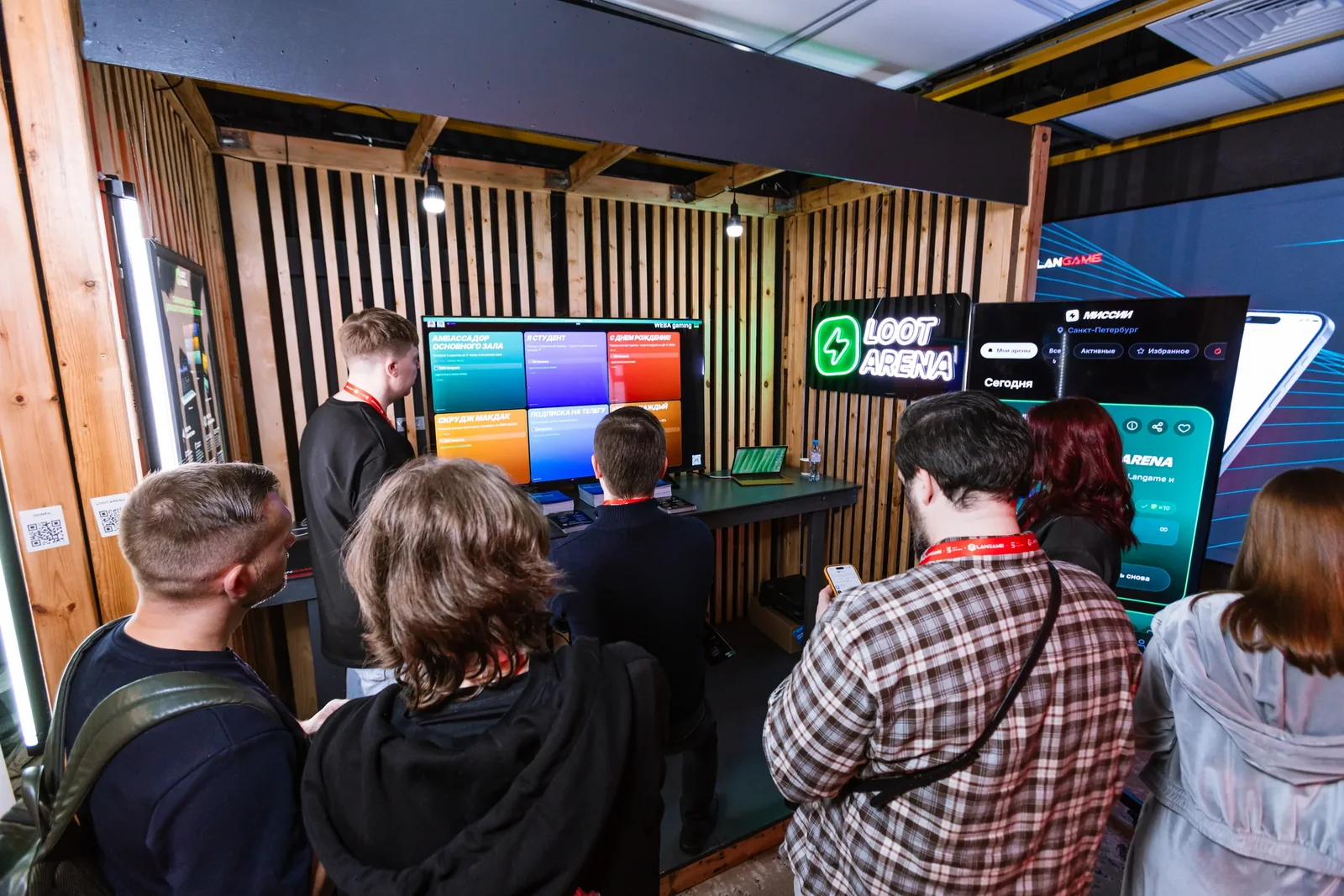
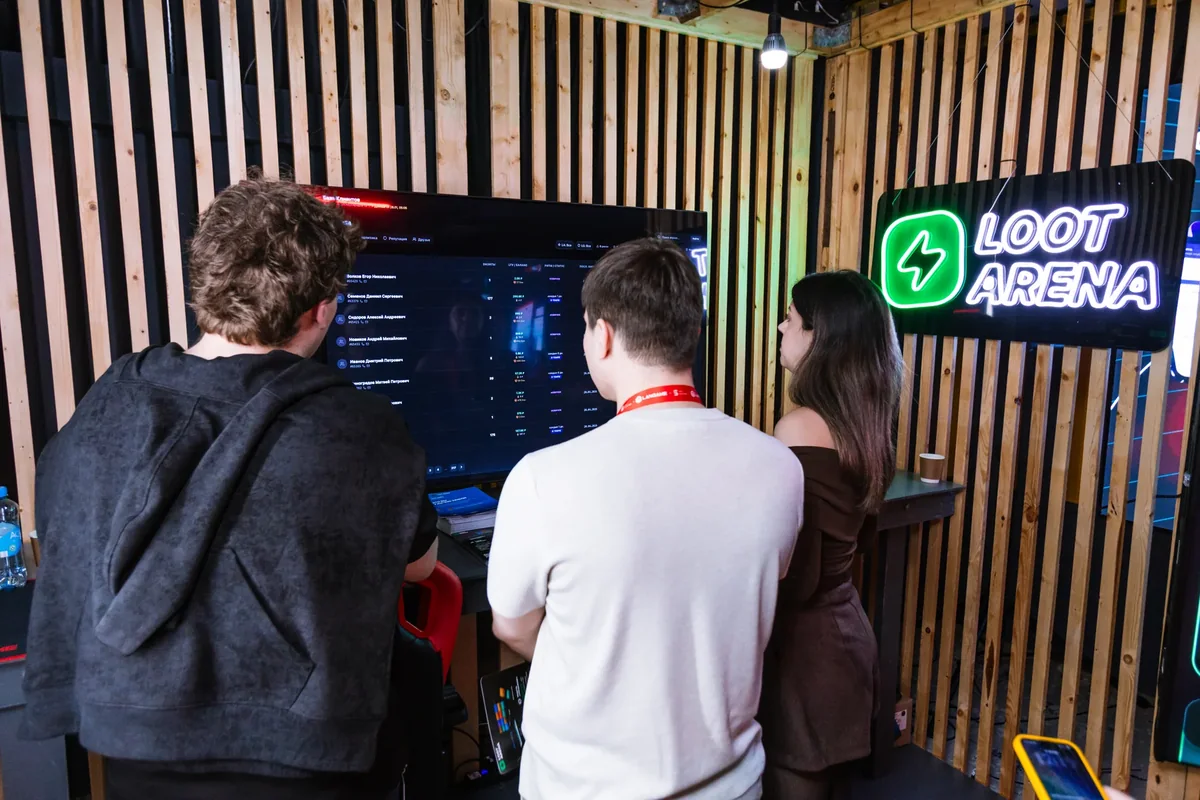
LANGAME confirmed its integration with Loot Arena: we have priority API access, and club data reaches the ERP with no exports. In 2026 Loot Arena showed the ERP at its own booth at LANGAME Conference.
How to connect
- Apply
Club name, shell and email — ERP access arrives by email right away.
- Shell connection
LanGame — your domain link, following the hint; SmartShell — a login from the admin panel; a manager connects any other shell.
- 7 days on your data
Once the data is loaded, the ERP opens with every module — the demo days count from that moment.
Owners’ questions
Didn’t find the answer? Message us in Telegram — the product team replies.
@loot_arena_supportDo I need to change my club’s shell?
No. Loot Arena runs on top of your shell — LanGame, SmartShell, Gizmo, iCafeCloud and others. Sessions, purchases, guests and shifts come in automatically, with no manual import.
What does “official LANGAME partner” mean?
LANGAME confirmed its integration with Loot Arena, and we have priority API access. Club data reaches the ERP with no exports or spreadsheets. Loot Arena adds to LANGAME rather than replacing it.
Who helps with the connection?
We do. The ERP has step-by-step hints, and a Loot Arena manager walks you through connecting any shell. Questions — in Telegram at @loot_arena_support or at [email protected].
Try Loot Arena
7 days on your club’s data: the shell integration by API is already set up, and every feature is open with no limits. It all happens by itself — your access arrives by email.
Already have access? Sign in to the ERP