A FACEIT update is out — free PCs update by themselves, and busy ones wait until the guest finishes playing. The admin doesn’t switch on tech mode by hand or walk around the hall.
The ERP checks the FACEIT website every 10 minutes. As soon as a new build is confirmed, a “New FACEIT is out” job with a sound lands on the shift console, and a message goes to the club chat. If no one starts the update within an hour, the ERP reminds you in the same chat.
FACEIT websitechecked every 10 minutes
Shift consolea job with a sound, repeated every 2 minutes
Club chatTelegram, plus LanChat if it’s connected
Install
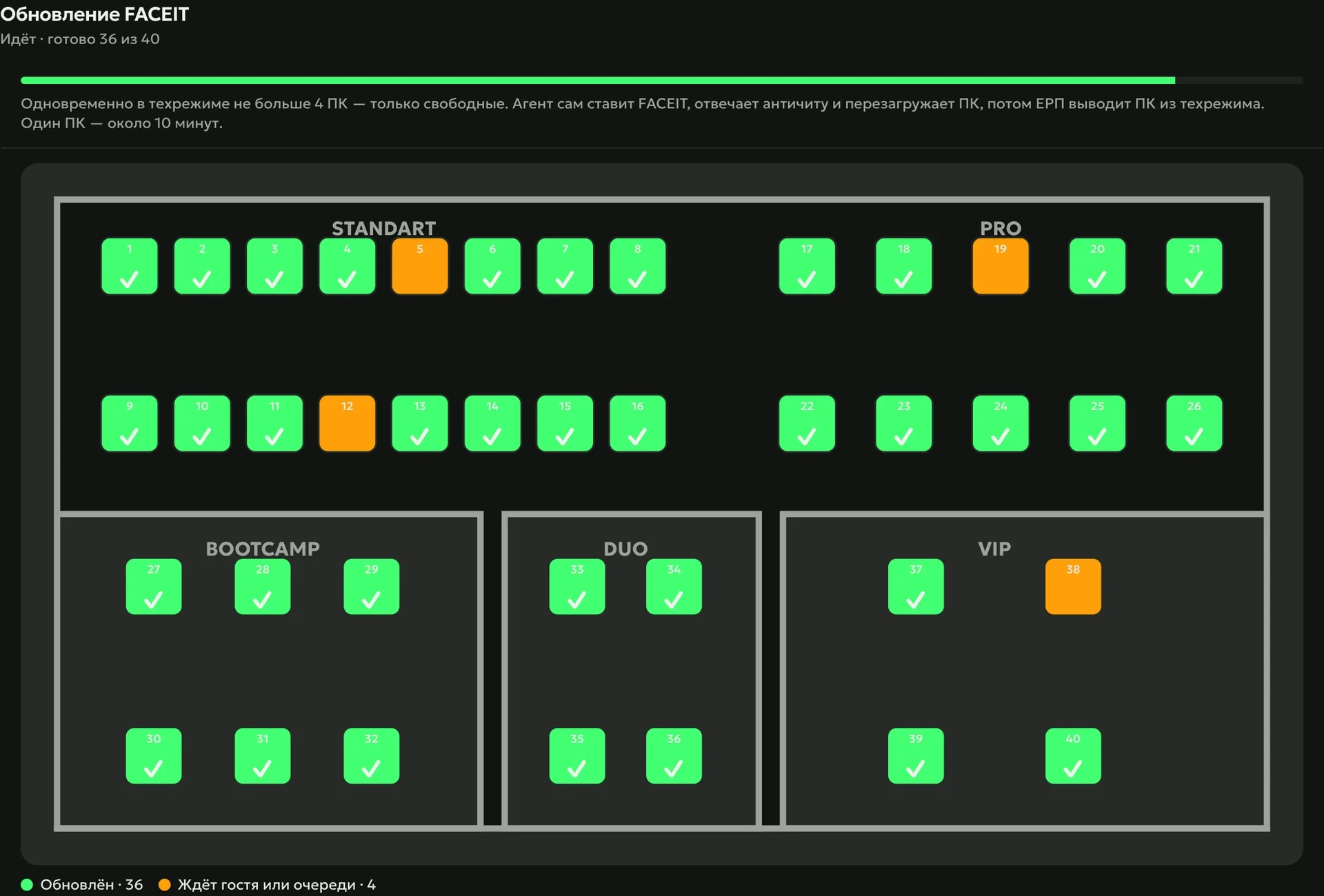
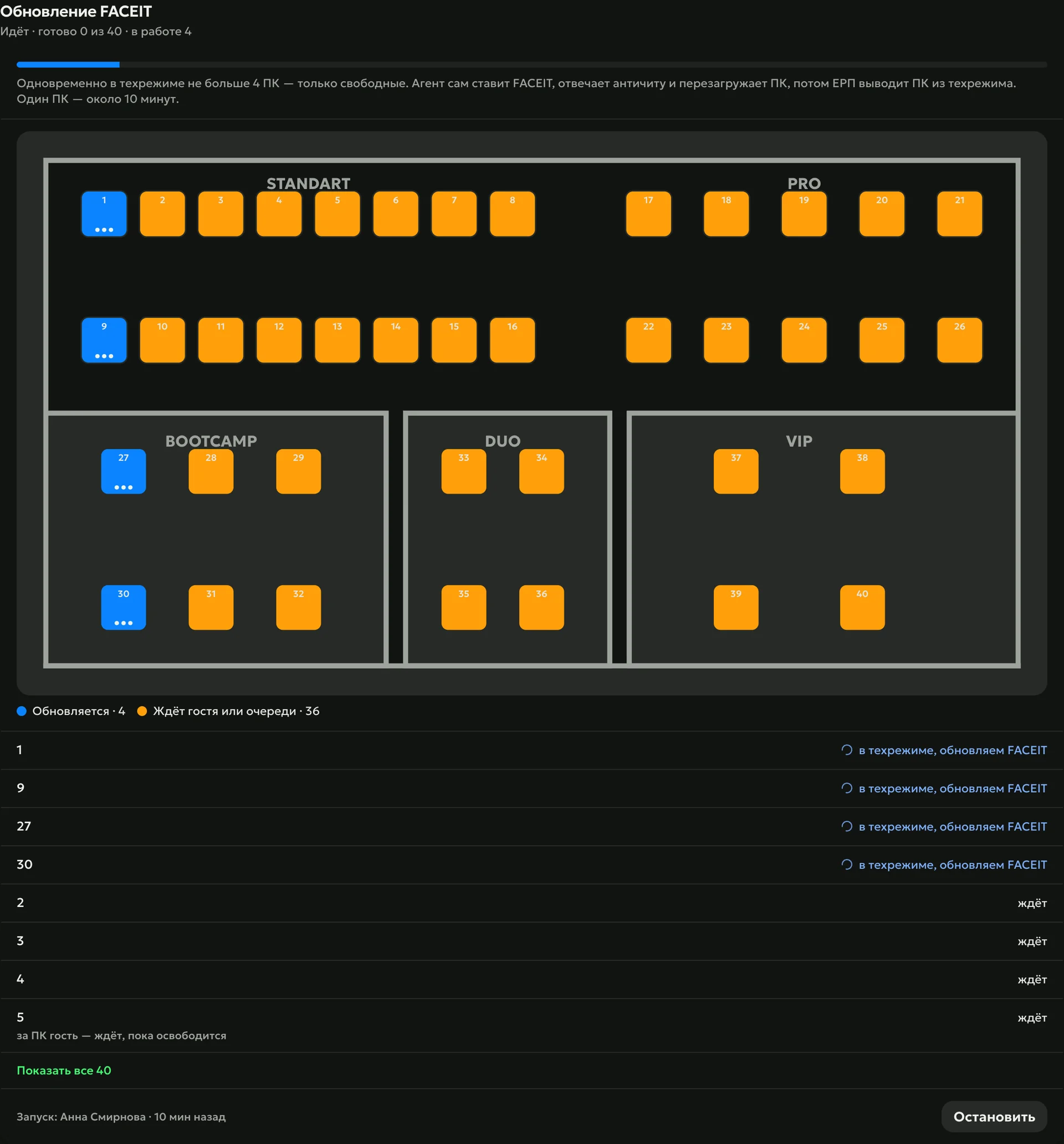
With auto-update on, the wave starts by itself; with it off, the admin presses “Update” on the console or in the ERP. The ERP puts free PCs into tech mode a few at a time, the agent installs FACEIT, answers the anti-cheat windows and restarts the PC, and the ERP returns it to the hall. One PC takes about 10 minutes.
LanGamevia tech mode — the ERP switches PCs in and out by itself
SmartShellvia elevated access, and on PCs with their own drive without it
Wait
The ERP doesn’t touch a PC with a guest: it checks with your club’s shell — the billing software, LanGame or SmartShell — who is at the PC and updates it as soon as the guest gets up. While the wave runs, the console shows its progress and suggests which PCs to give guests who play FACEIT. At the end the club chat gets a report on which PCs updated and which didn’t, with the reason.
Press “Update” — just like on release night
A new FACEIT version is out: idle PCs update by themselves, busy ones wait until the guest finishes. Try it — the scene runs on real data from one night.
FACEITa new version is out — the agent updates by itself
60of 60 PCs updated
The agent notices a new FACEIT version by itself and updates idle PCs right away, busy ones as soon as the guest gets up. The admin doesn’t walk the hall — the guest sits down and plays.
168PCs updated on release night, November 6 — not one got stuck
7 minon average from the “Update” button to a ready PC
≈5 minafter a build is out, the agent already knows — a voiced task in the console and a message in the club chat
1
2
3
4
5
6
7
8
9
10
11
12
13
14
15
16
17
18
19
20
21
22
23
24
25
26
27
28
29
30
31
32
33
34
35
36
37
38
39
40
41
42
43
44
45
46
47
48
49
50
51
52
53
54
55
56
57
58
59
60
7
minutes on average from “Update” to a ready PC
168 PCs on FACEIT release night, November 6, 2026: 4 to 11 minutes each, none got stuck — Loot Arena channel for clubs
How to start
Install the PC Agent
The first PC connects with a code from its screen. The ERP puts the remaining free PCs into tech mode by itself — the admin just opens the agent file on them.
Turn on auto-update
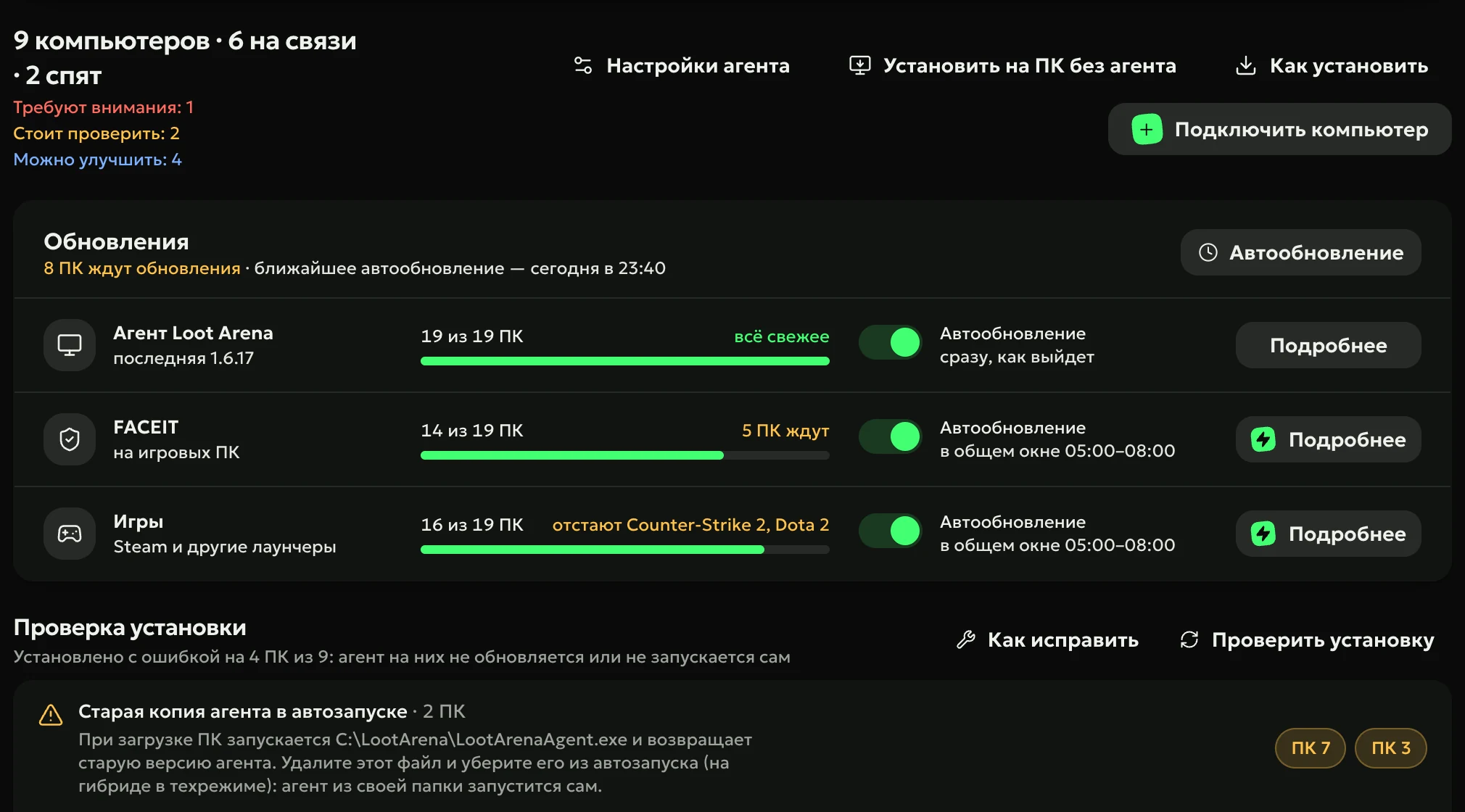
In the “Updates” block, switch on the toggle in the FACEIT row — “as soon as it’s out”.
The ERP takes it from there
An update is out — free PCs update right away, busy ones after the guest. The wave’s progress and result arrive in the club chat.
Will the agent update FACEIT while a guest is playing?
No. The ERP checks with the shell who is at the PC and updates only free ones. A busy PC waits until the guest gets up and updates right after.
Do I need to switch on tech mode by hand?
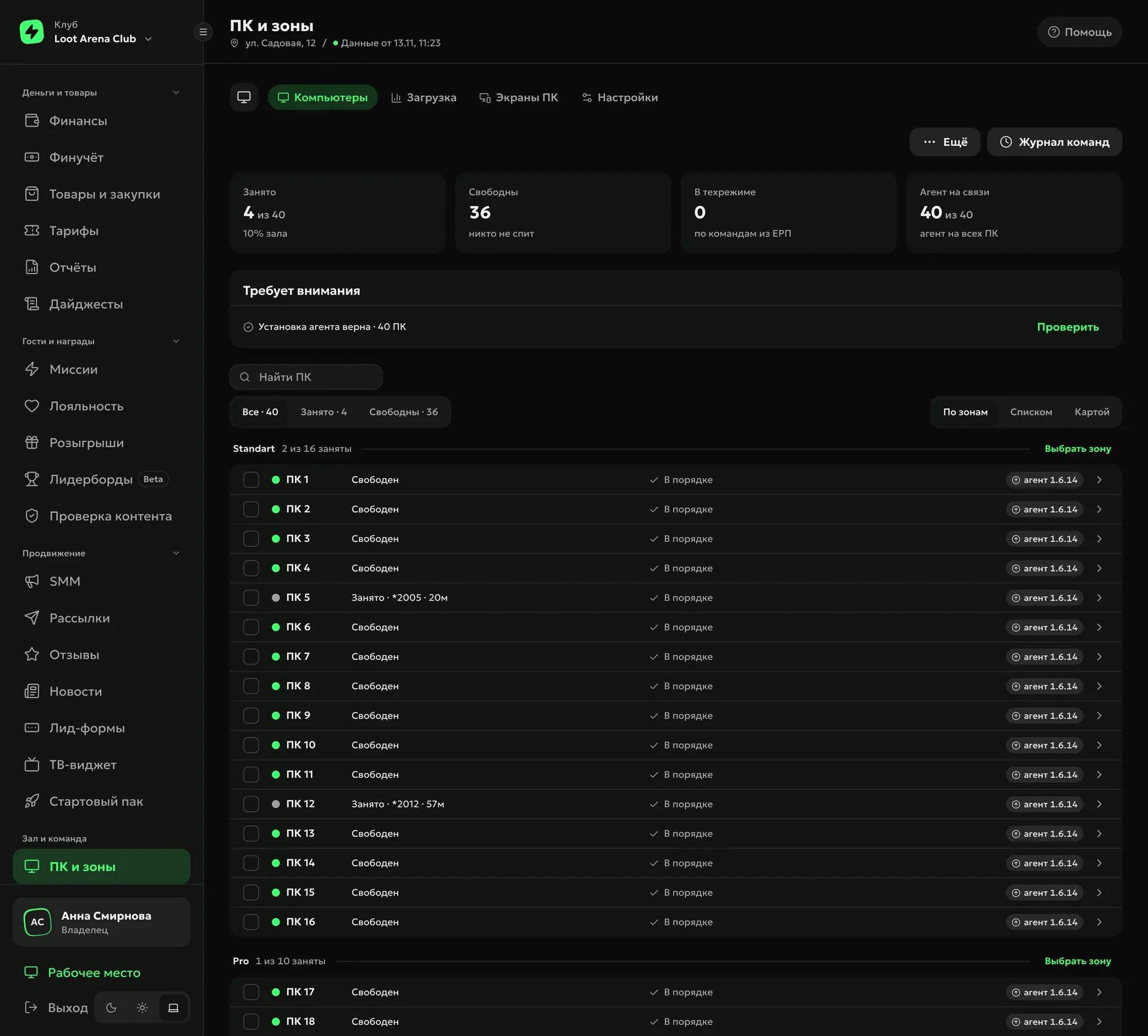
No. On LanGame the ERP puts a free PC into tech mode and back by itself; on SmartShell it uses elevated access, and on PCs with their own drive it does without. On SmartShell, the queue skips PCs with drive freeze and shows the reason.
How quickly does the ERP learn about a new FACEIT?
The ERP checks the FACEIT website every 10 minutes. As soon as the new build is confirmed, a job lands on the shift console and a message goes to the club chat.
Do I need the Operations module?
No. FACEIT updates are part of the PC Agent, and the ERP reports the new build and the wave’s progress in the club chat. With Operations the job also sounds on the shift console, and you can press “Update” right there.
How much does FACEIT auto-update cost?
It’s part of the PC Agent: $3 per gaming PC a month, $1.50 with any ERP module.
Try Loot Arena
7 days on your club’s data: the shell integration by API is already set up, and every feature is open with no limits. It all happens by itself — your access arrives by email.

 FACEIT