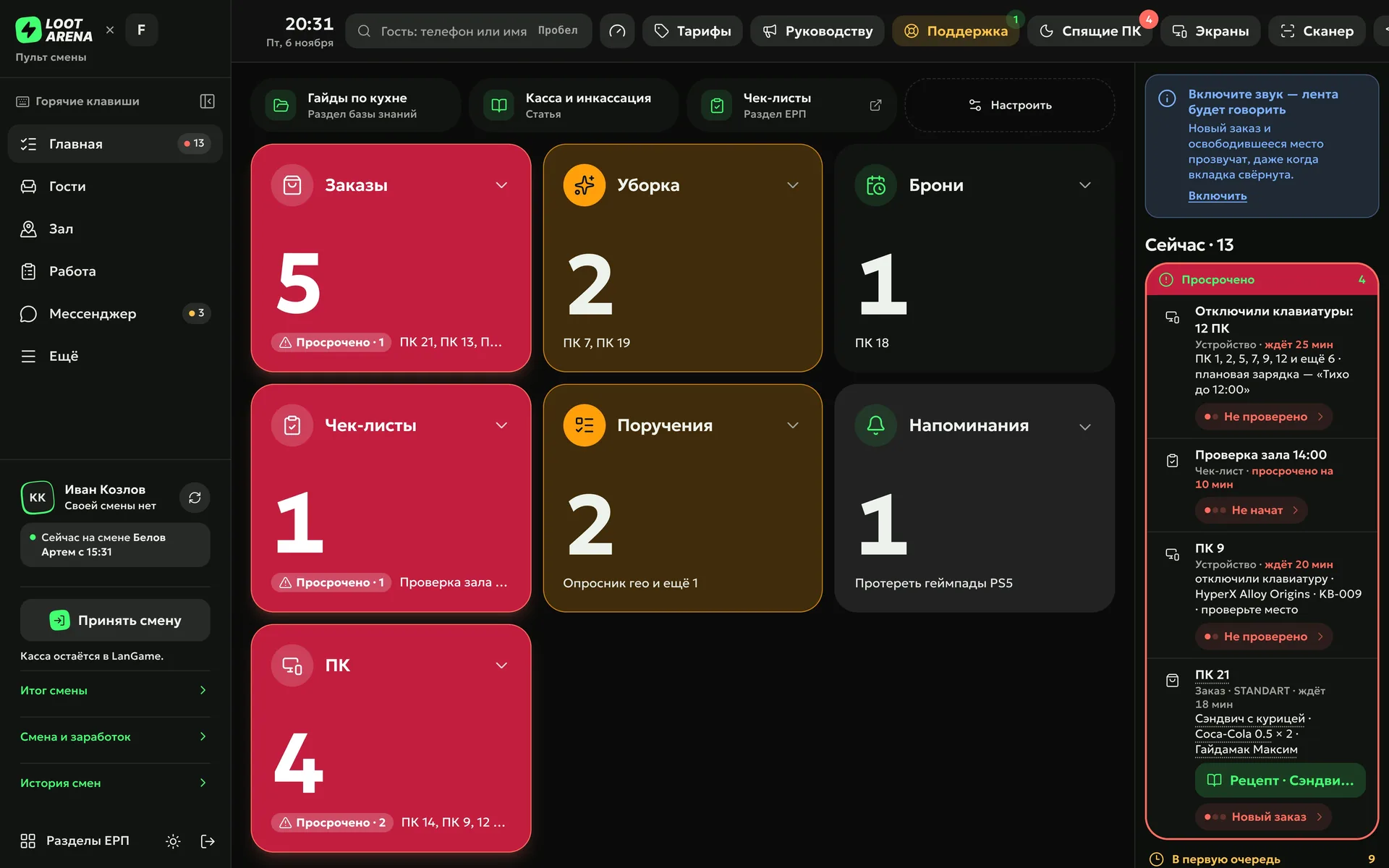
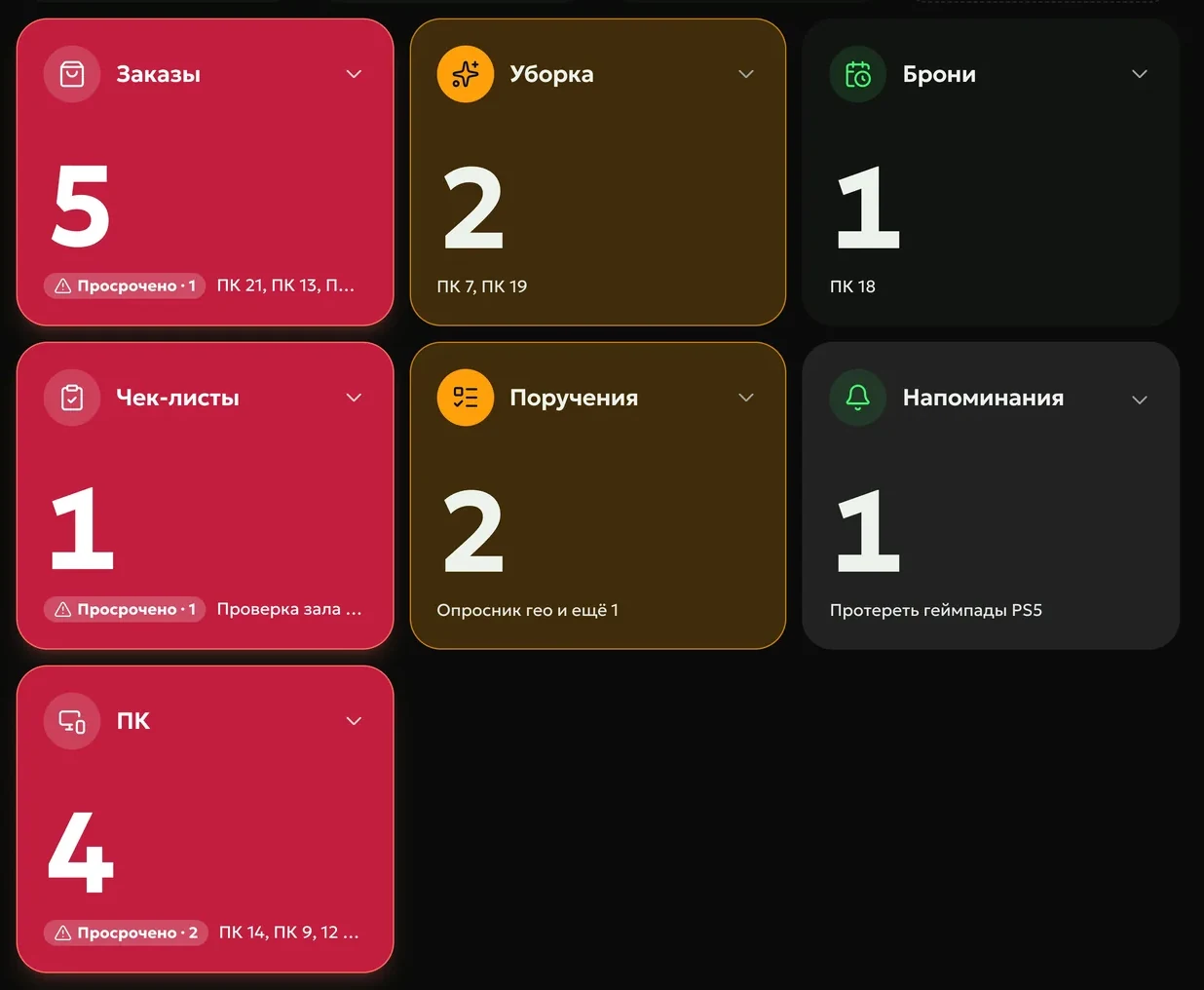
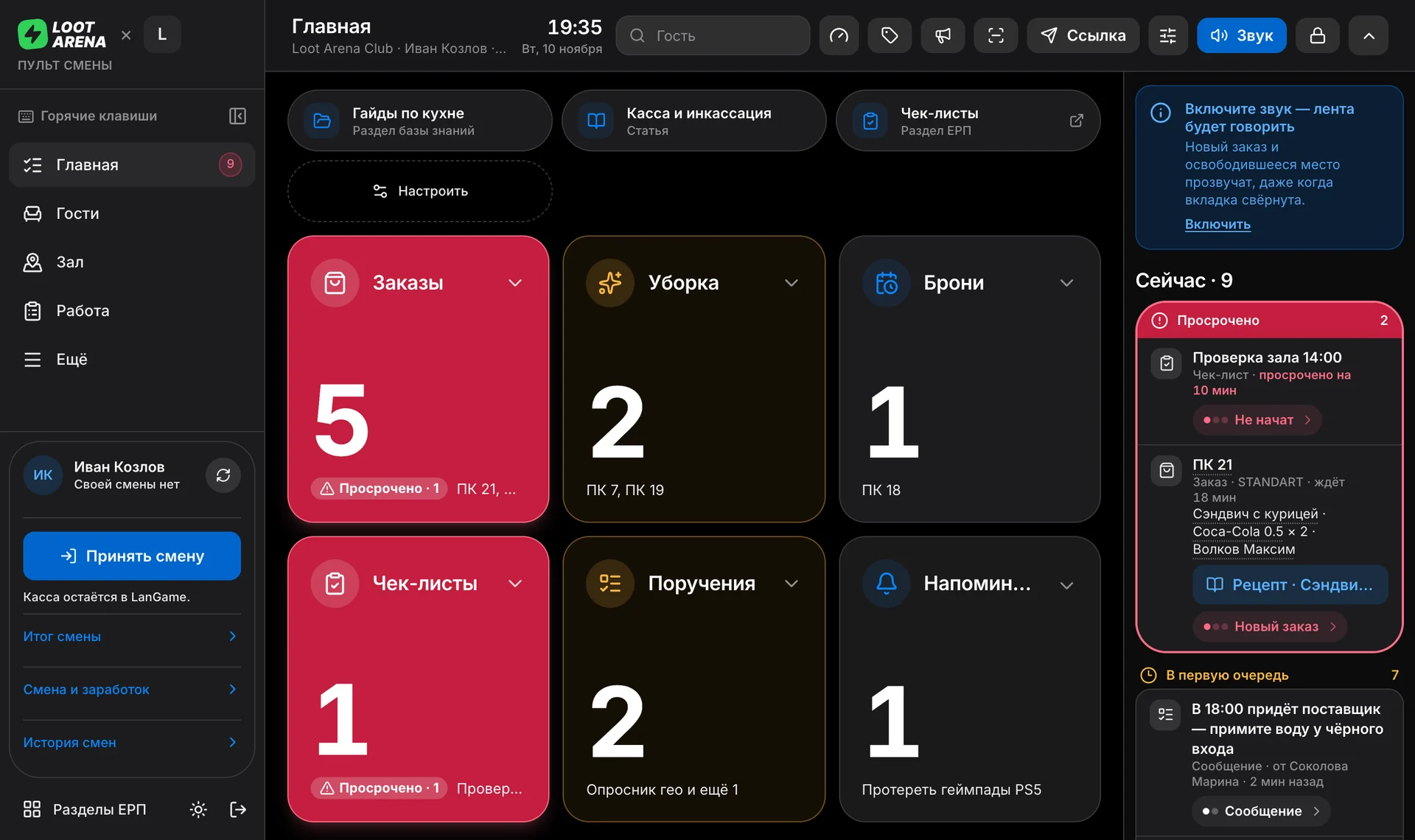
Bar orders, cleaning, bookings, checklists and assignments — in one feed at the front desk. The console reads each new task out loud and repeats it every 2 minutes until someone takes it.
A guest orders from the app, a session ends and the PC needs cleaning, a booking starts in an hour — the task joins the console queue by itself and sounds. Take the task and the feed goes quiet; leave it and the console repeats.
Guest ordersfrom the app and from club PCs
Cleaning and bookingsfrom sessions and the schedule in your club’s billing software
Checklists and assignmentsfrom the manager and on schedule
Ring
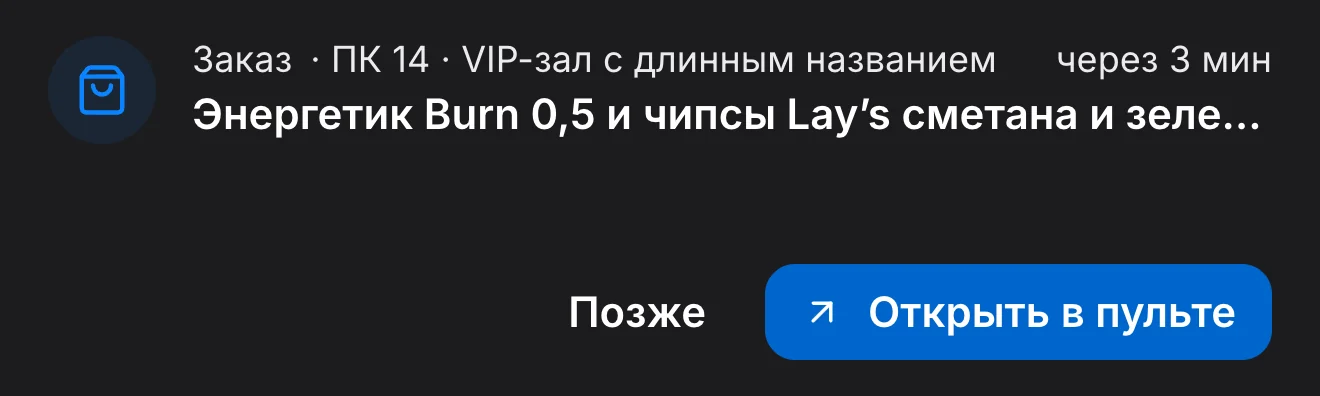
A browser tab goes to sleep and mutes the sound. On the admin PC, the console lives in the PC Agent window — it never sleeps and plays sound by itself, and a small island with the new task stays on top of all windows.
Accept
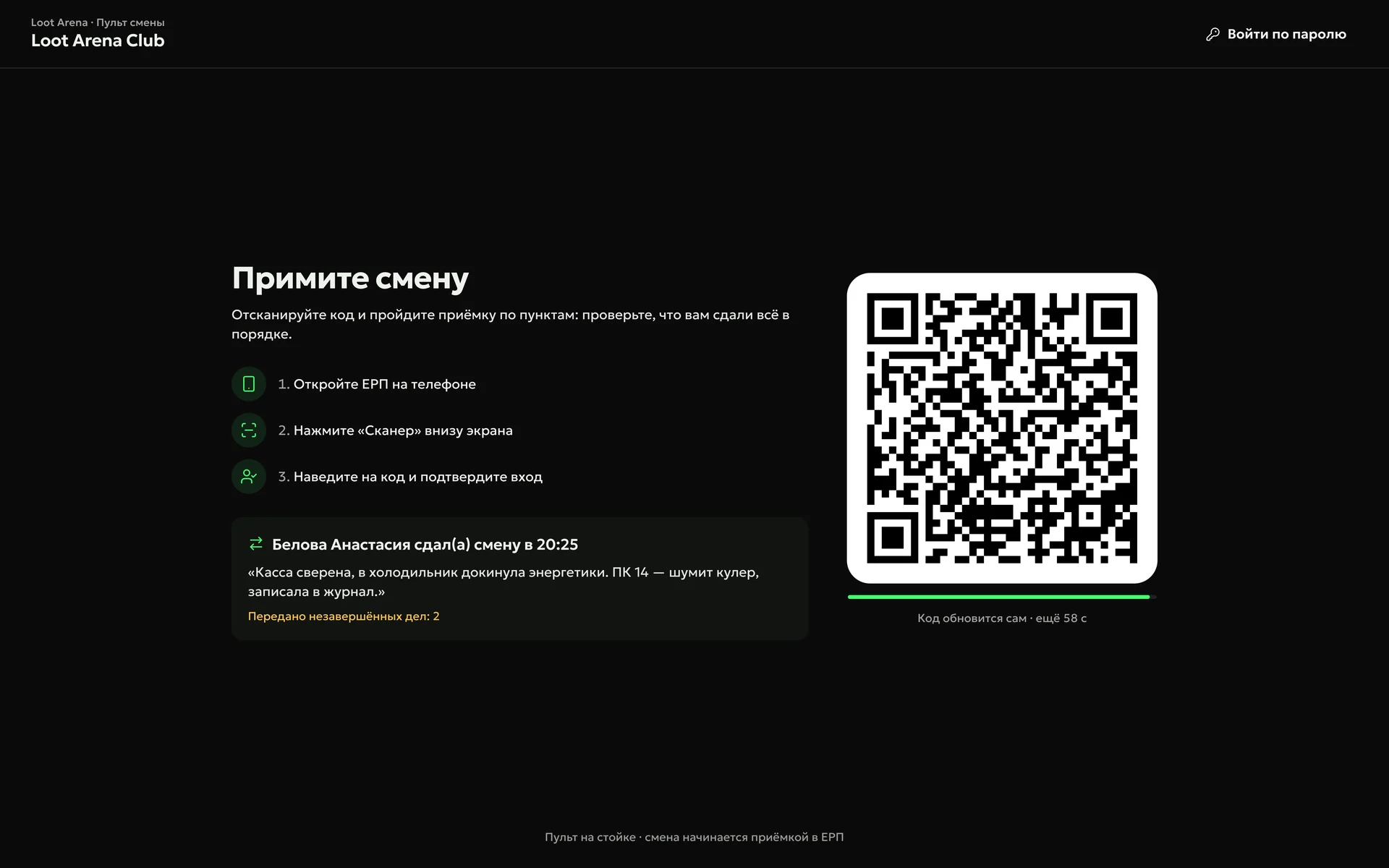
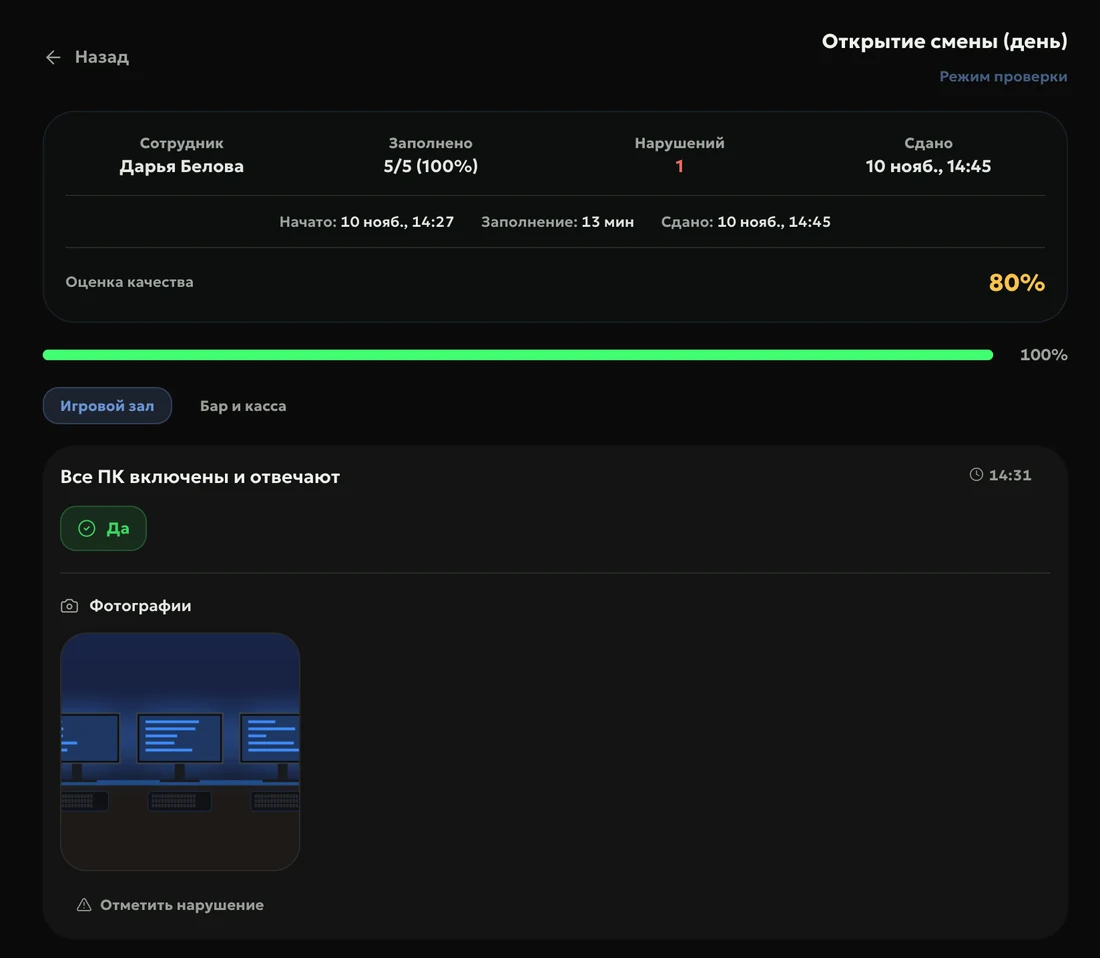
The next admin accepts the shift by scanning a QR code with their phone: you see who handed it over and what they passed on. Next comes the opening checklist with photos, which the manager reviews in one click.
Carry
The mobile admin workplace lives on the admin’s phone: shift tasks, their own earnings for the shift broken down by line, and the shift mission. It opens from an ERP link and can be added to the home screen like an app.
40%
of mobile admins add the workplace to their home screen as an app
95 of 227 admins, Loot Arena measurement, September 28, 2026
How to start
Connect your shell
Your club’s shell is its billing software: LanGame, SmartShell or Gizmo. Shifts, sessions and bar sales flow into the ERP by themselves.
Open the console at the front desk
In a browser on the front desk computer or tablet; sign in with a QR code from a phone.
Send the link to your admins
The mobile workplace opens on a phone and can be added to the home screen like an app.
No. The console opens in a browser on the front desk computer or tablet, on the admin’s phone and in the PC Agent window on the admin PC.
What goes into the console feed?
Guest orders from the app and from club PCs, cleaning after sessions, bookings, checklists, assignments and shift reminders.
Why run the console in the PC Agent window?
Because a browser tab goes to sleep and mutes the sound. The PC Agent window never sleeps and plays sound by itself, and an island with the task count and the new task stays on top of all windows.
Which module includes the shift console?
Operations: the console on the front desk computer, the task feed with sound and shift handover. The mobile admin workplace with the shift, earnings and checklists is open to every club.
Try Loot Arena
7 days on your club’s data: the shell integration by API is already set up, and every feature is open with no limits. It all happens by itself — your access arrives by email.