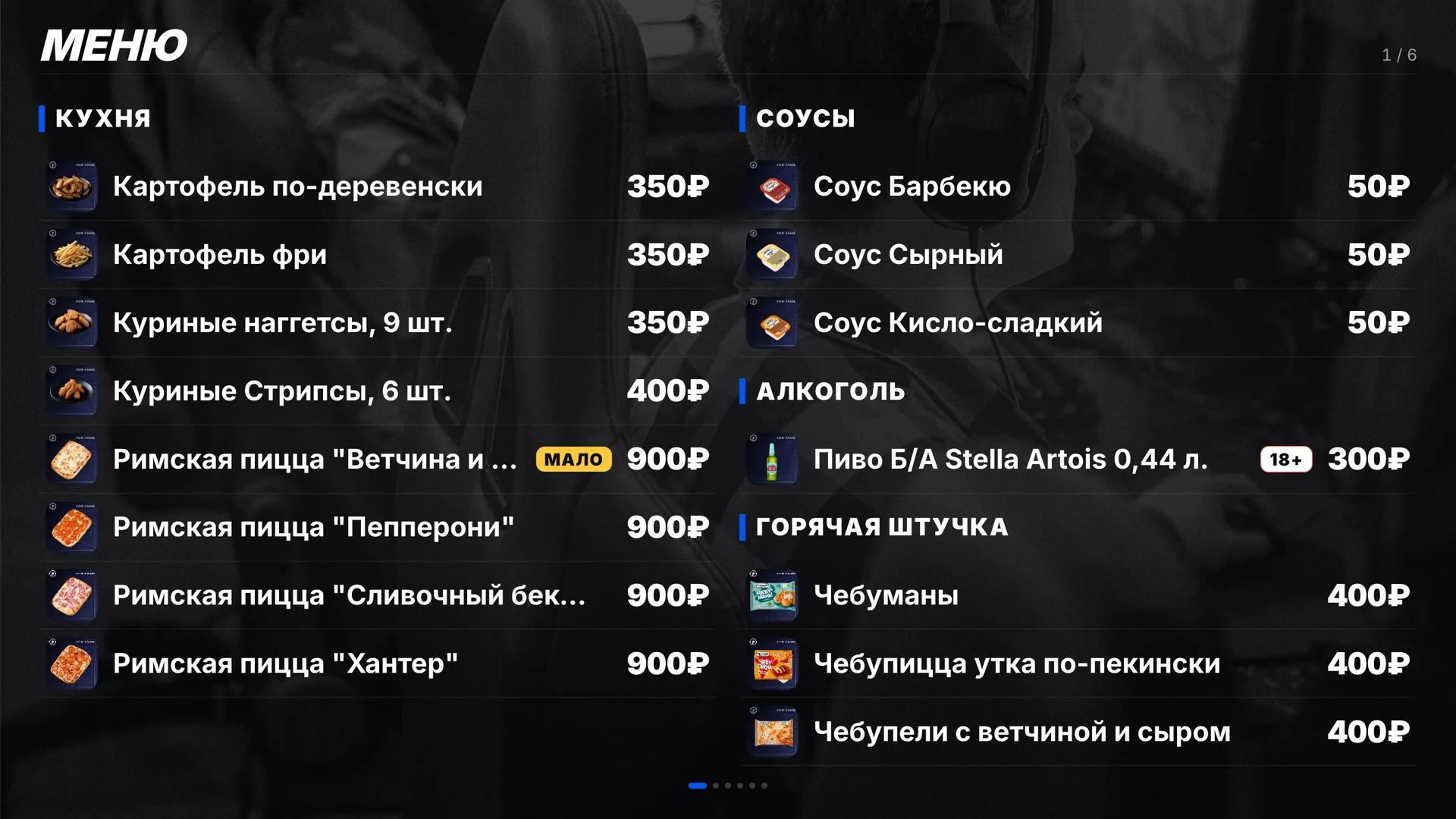
The ERP takes bar sales from your club’s shell — the billing software such as LanGame, SmartShell or Gizmo. You see what sells, what sits on the shelf and what each item earns after cost. The price from the shell goes onto the TV menu in the hall with no manual edits.
Every sale comes from the shell with its purchase price, and the ERP calculates revenue, cost and profit by item and by group. Rentals and services have their own cost model; until it is set, the margin is marked “not set up”.
ABCwhich items bring most of the revenue
Extra servicesrentals and services on their own tab, with the time of sale
Spot
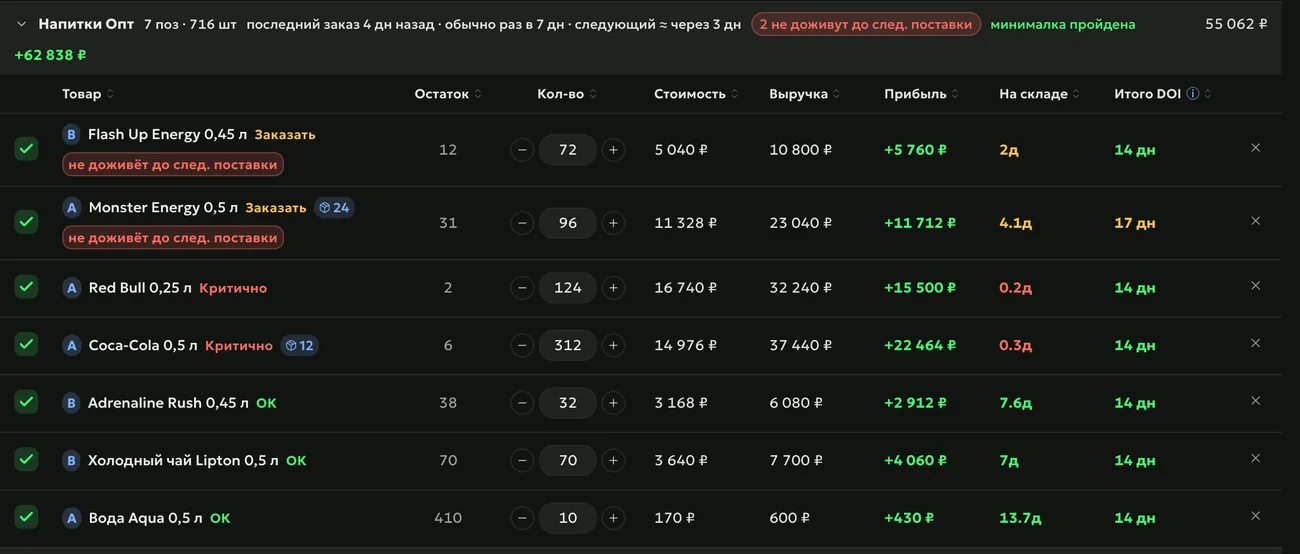
The ERP takes a stock snapshot every night: you see how many days an item will last and how much revenue was lost on the days it was out. “My Day” tells you when a fast-selling item has run out or an item sits without sales.
Sell
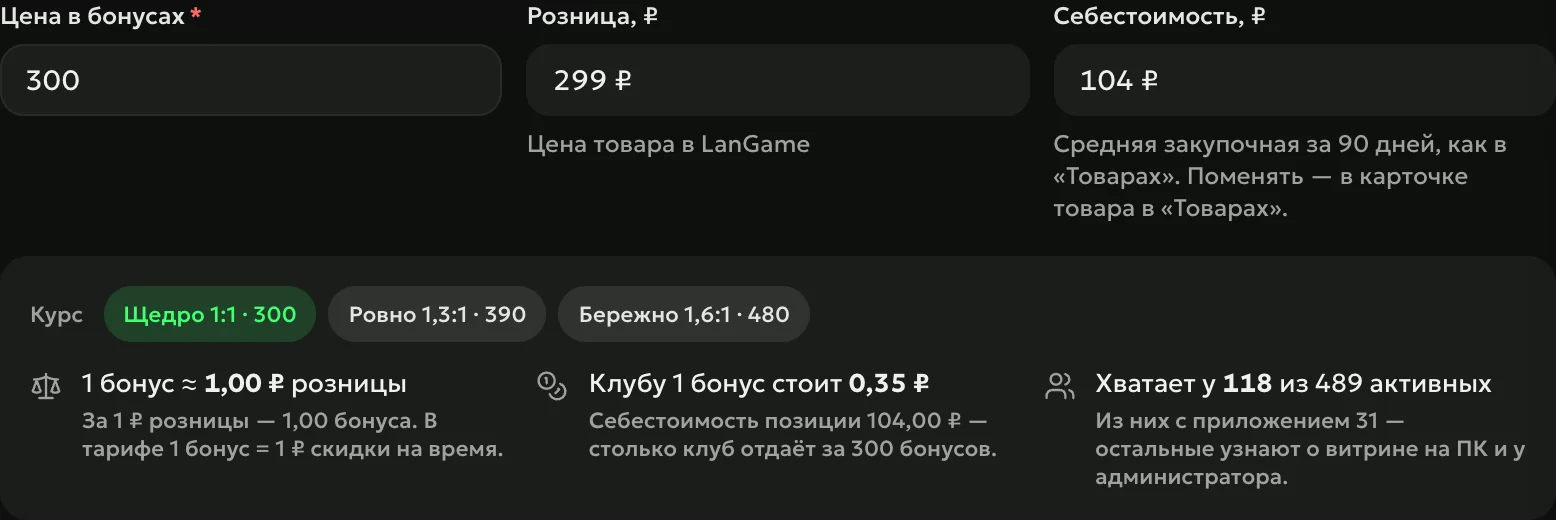
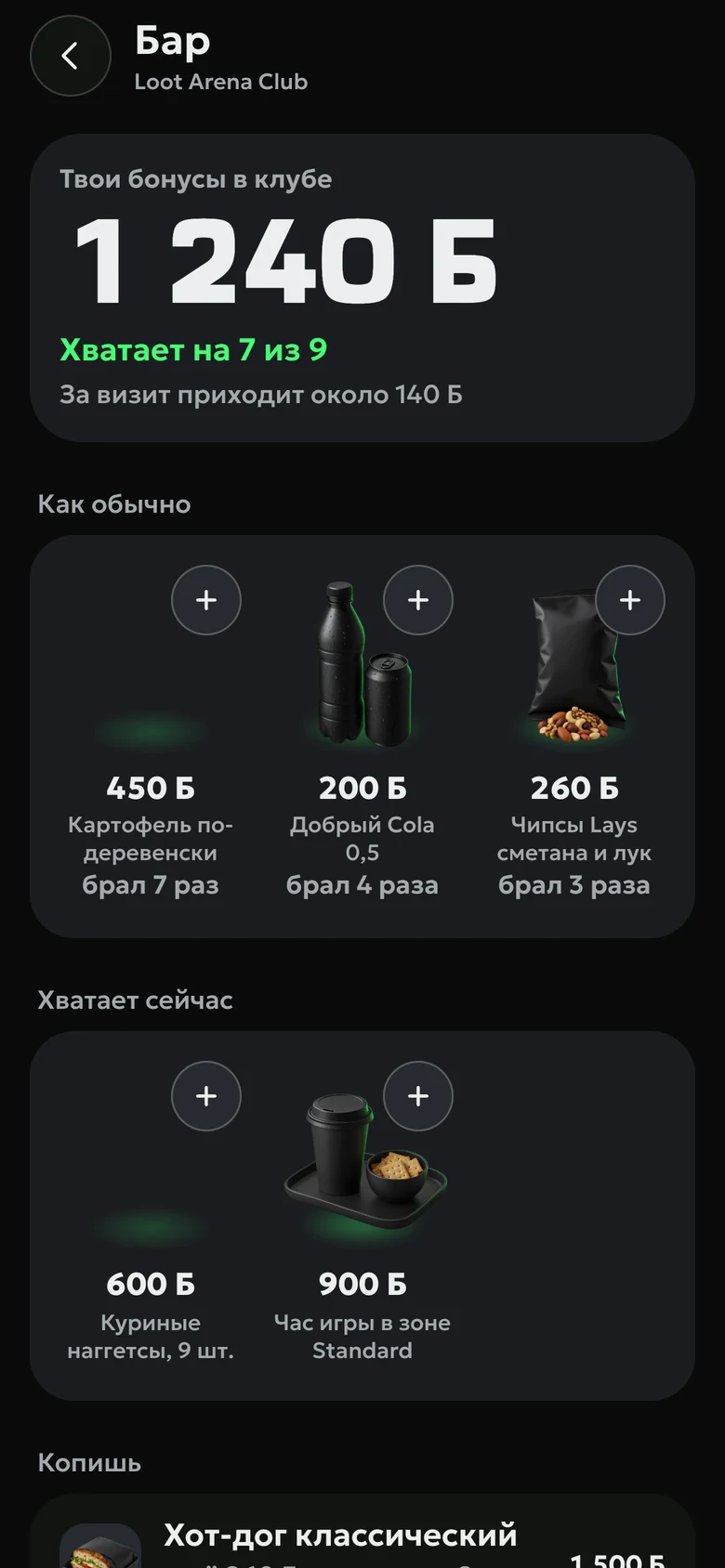
Bar items can be sold for club bonus points: the guest buys in the Loot Arena app, the points are deducted in the shell right away, and the item leaves stock when it is handed out. The rate suggests how many points to ask and what one point costs the club.
From the purchase prices your shell provides. For rentals and services, you set the cost in the item settings — per handout or from the item’s value.
Do I need to export reports from the shell?
No. Sales and stock come into the ERP by themselves, and stock is captured every night. You can filter by shell category and by supplier.
Which module includes goods?
Any module opens sales and margin analytics. Stock, purchasing and inventory counts are part of Operations — $129 a month per club.
Which shells does it work with?
LanGame, SmartShell and Gizmo: the ERP takes sales, items and stock through the shell’s API. The bonus shop is available to clubs on LanGame and SmartShell.
Try Loot Arena
7 days on your club’s data: the shell integration by API is already set up, and every feature is open with no limits. It all happens by itself — your access arrives by email.