Purchasing and stock — the order calculates itself
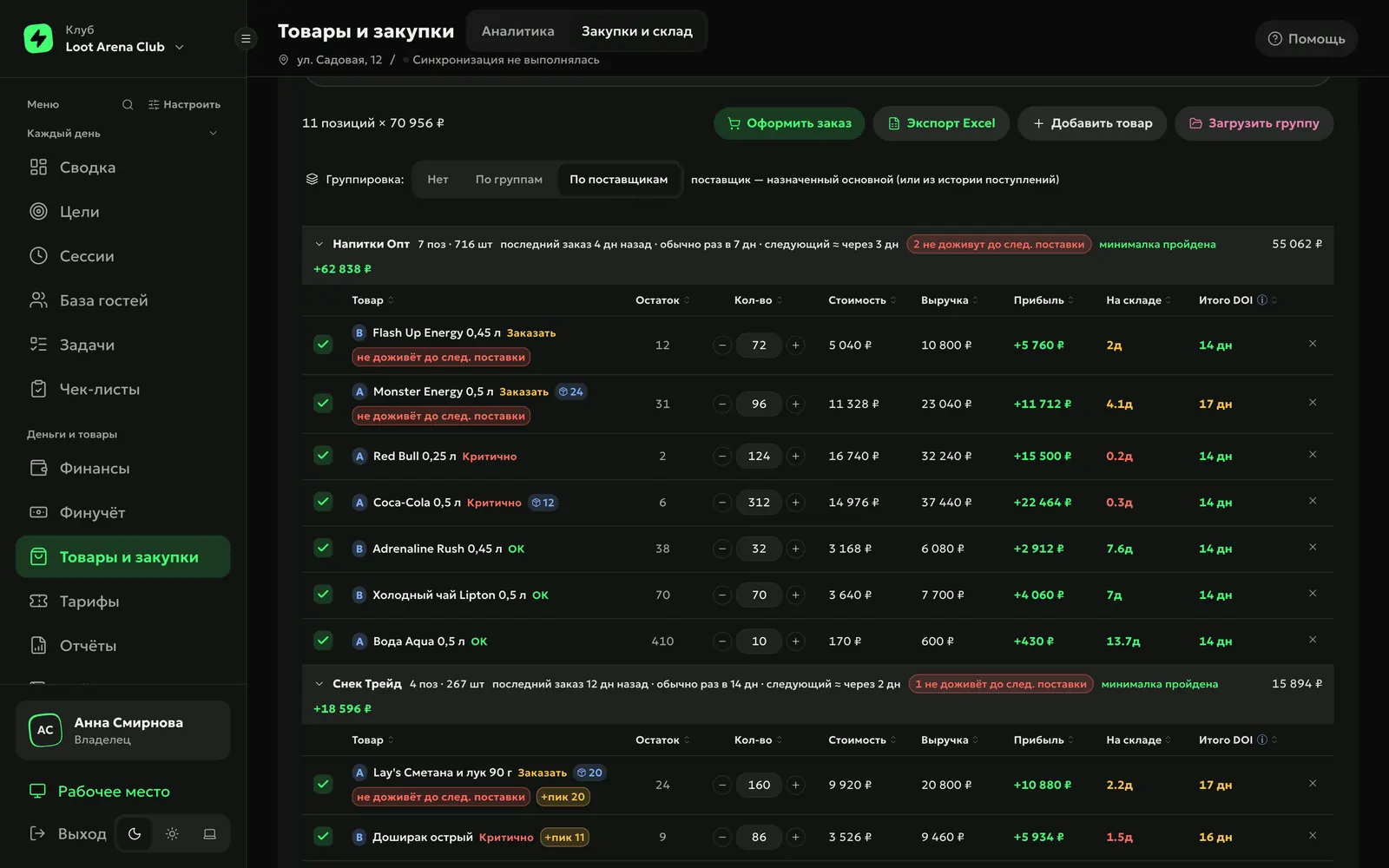
The calculator works out what to buy from each supplier: from sales, stock in your club’s shell — the billing software (LanGame, SmartShell or Gizmo) — and the supplier’s delivery rhythm. Scheduled inventory counts show the shortage as a sum.
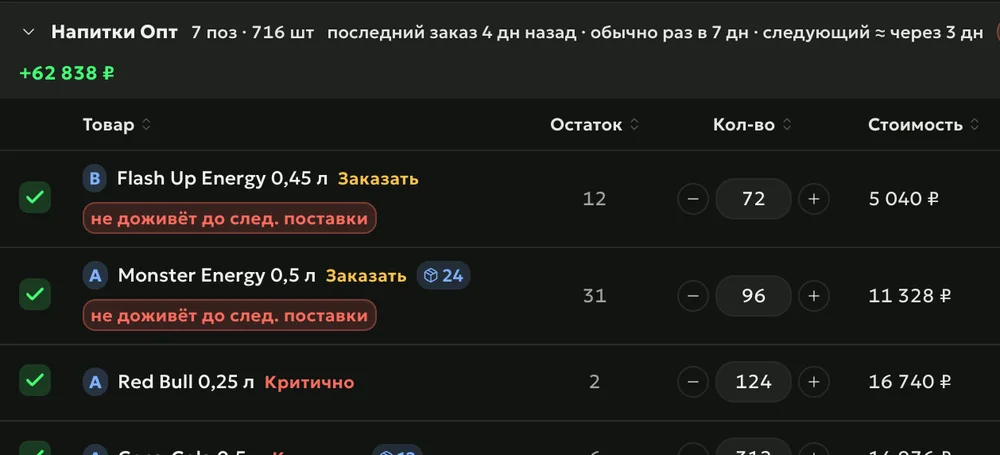
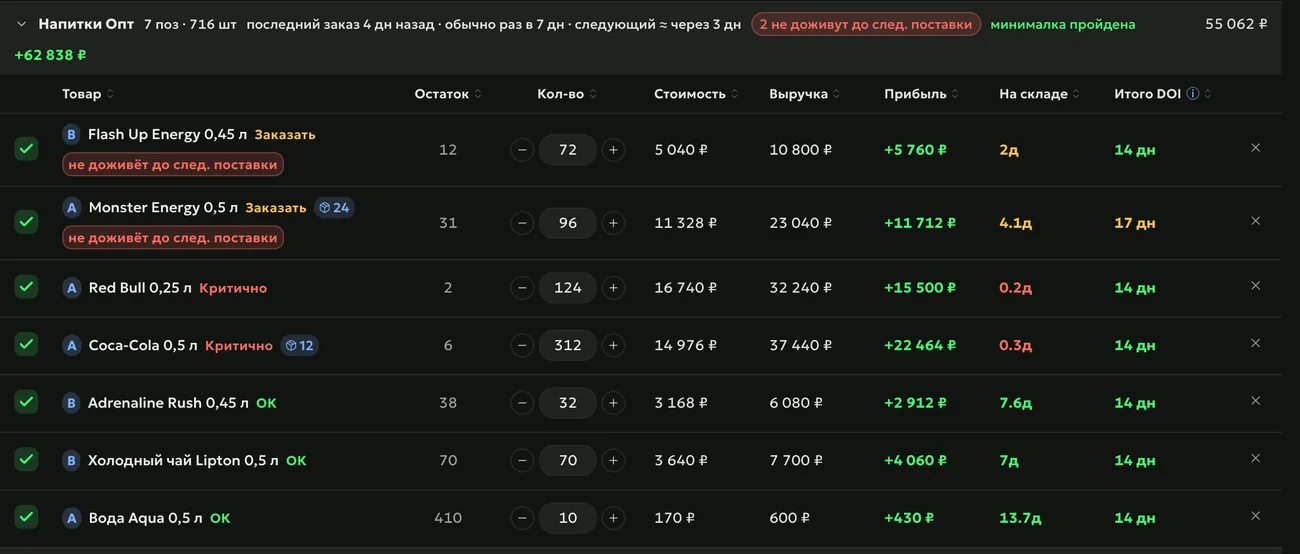
The order calculator takes 30 days of sales, adjusted for days the product was out of stock, and live stock from the shell. An item that won’t last until this supplier’s next delivery is marked “won’t last” — even when its stock looks fine.
Supplier rhythmwhen the last order was and when to expect the next one
Peak daya buffer for the best-selling day — for food and snacks
Send
“Place order” splits items by supplier: one order per supplier, with a minimum order check. The order goes to the supplier’s channel — WhatsApp, email, Telegram or an Excel form — and receiving later checks what arrived: short deliveries, extras and price increases over 5% are highlighted.
Paymentafter receiving, the supplier payment goes into the finance ledger calendar by its payment terms
Expiry datesfor products with a shelf life, the date from the package is entered at receiving
Recount
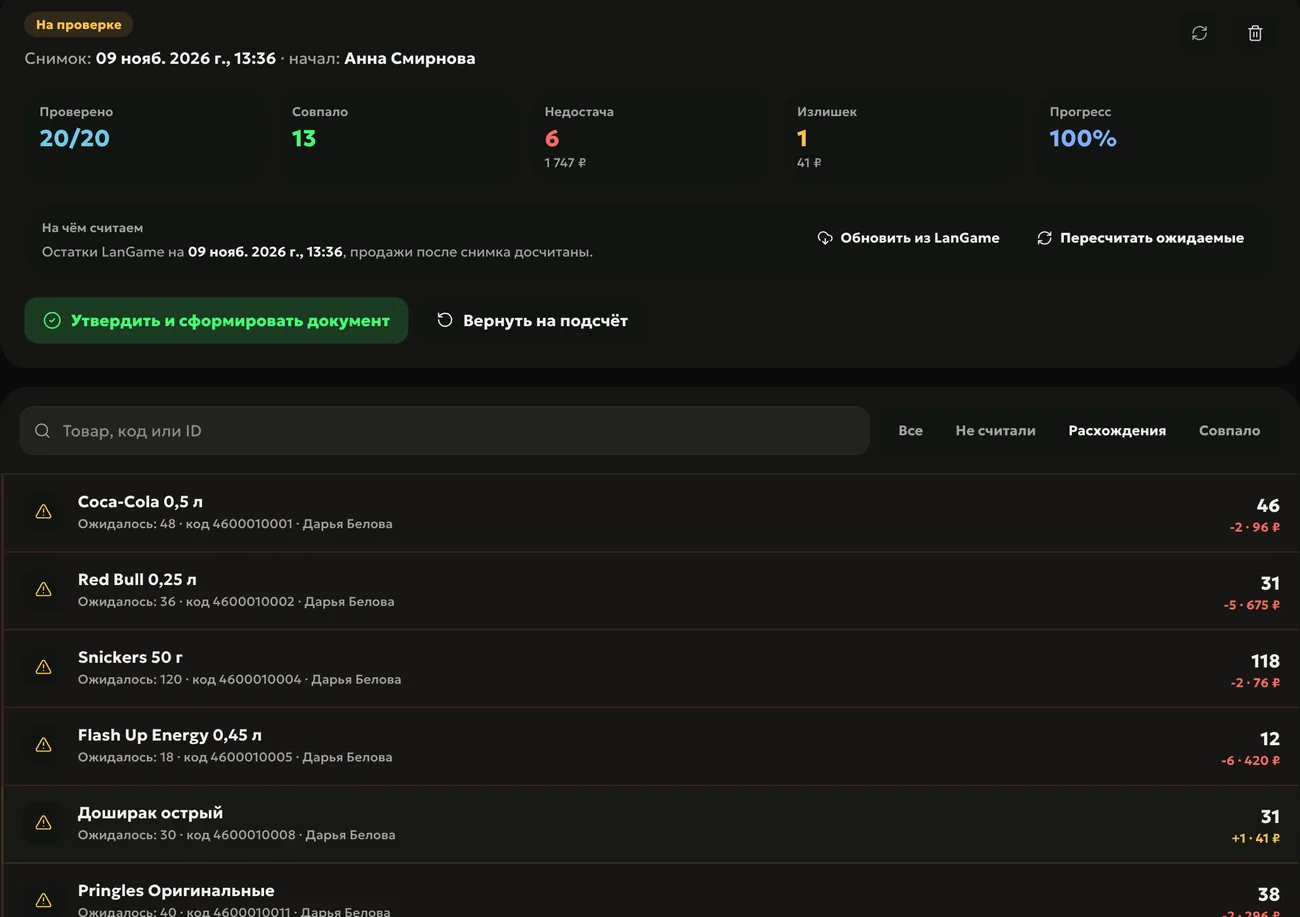
Inventory counts come to the shift on schedule — daily, weekly or monthly, to a named person or to whoever is on shift. The admin counts by hand or with the camera scanner, and shortages and surpluses are valued against the shell stock at the moment the count started.
Reviewthe manager approves the count or sends it back for a recount
Shortagebased on the report, the owner can deduct it from pay — no more than the shortage amount
How to start
Connect your shell
Products, stock and bar sales flow into the ERP by themselves.
Assign suppliers
Each product’s main supplier — from delivery history or by hand, with a minimum order and payment terms.
Set a count schedule
How often and who counts the stock — the inventory count comes to the shift by itself.
From 30 days of sales adjusted for days without stock, live stock from the shell and each supplier’s delivery rhythm. You can adjust quantities by hand before placing the order.
Can I send the order to a supplier from the ERP?
Yes: the ERP builds the order text from the supplier’s template and opens their channel — WhatsApp, email or Telegram — or downloads an Excel form.
How often should I run inventory counts?
As often as you decide: once, daily, weekly or monthly. The task comes by itself to the named person or whoever is on shift, and the manager approves the result.
Which shells does purchasing work with?
The order calculator and stock work for clubs on LanGame, SmartShell and Gizmo. Receiving and expiry dates are for clubs on LanGame: that shell provides delivery documents.
Which module includes purchasing and stock?
Operations — $129 a month per club. Bar sales analytics is open with any module.
Try Loot Arena
7 days on your club’s data: the shell integration by API is already set up, and every feature is open with no limits. It all happens by itself — your access arrives by email.