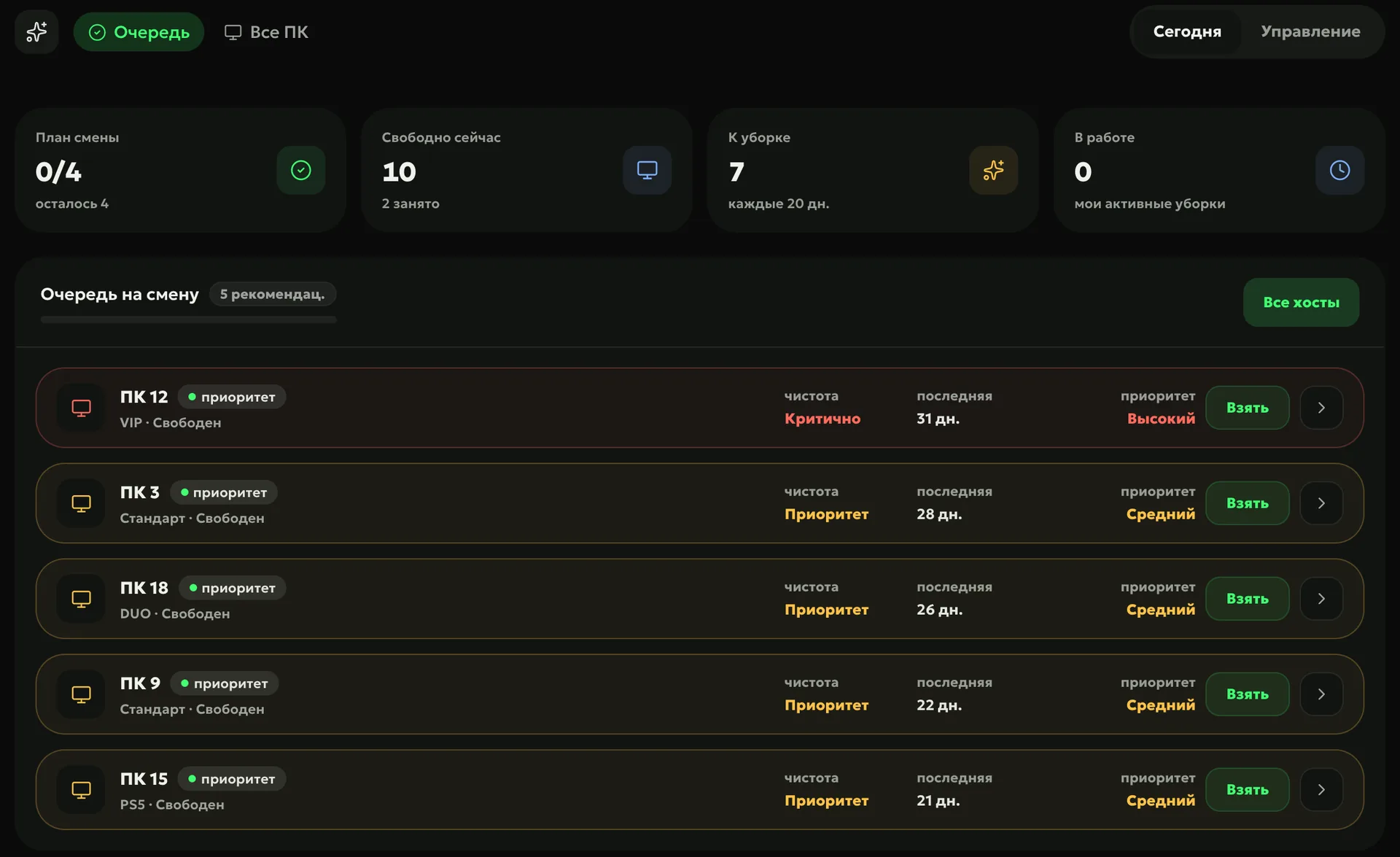
The ERP works out when each PC is due for deep cleaning: by days, by hours of play since the last cleaning, or a hybrid of both. The shift queue starts with the most neglected seats — “Critical” and “Priority”.
You choose the rule once: by days, by hours of play, or a hybrid — by hours, but no sooner and no later than a set number of days. The ERP recalculates each PC’s cleaning debt from sessions in your club’s shell — the billing software such as LanGame, SmartShell, Gizmo or iCafeCloud — and the calculator shows how often a seat will be cleaned under that rule.
Schedulehow many PCs per shift — every shift, on chosen weekdays or every N days
Where to cleanall PCs, zones or chosen seats; day, evening or night
Close
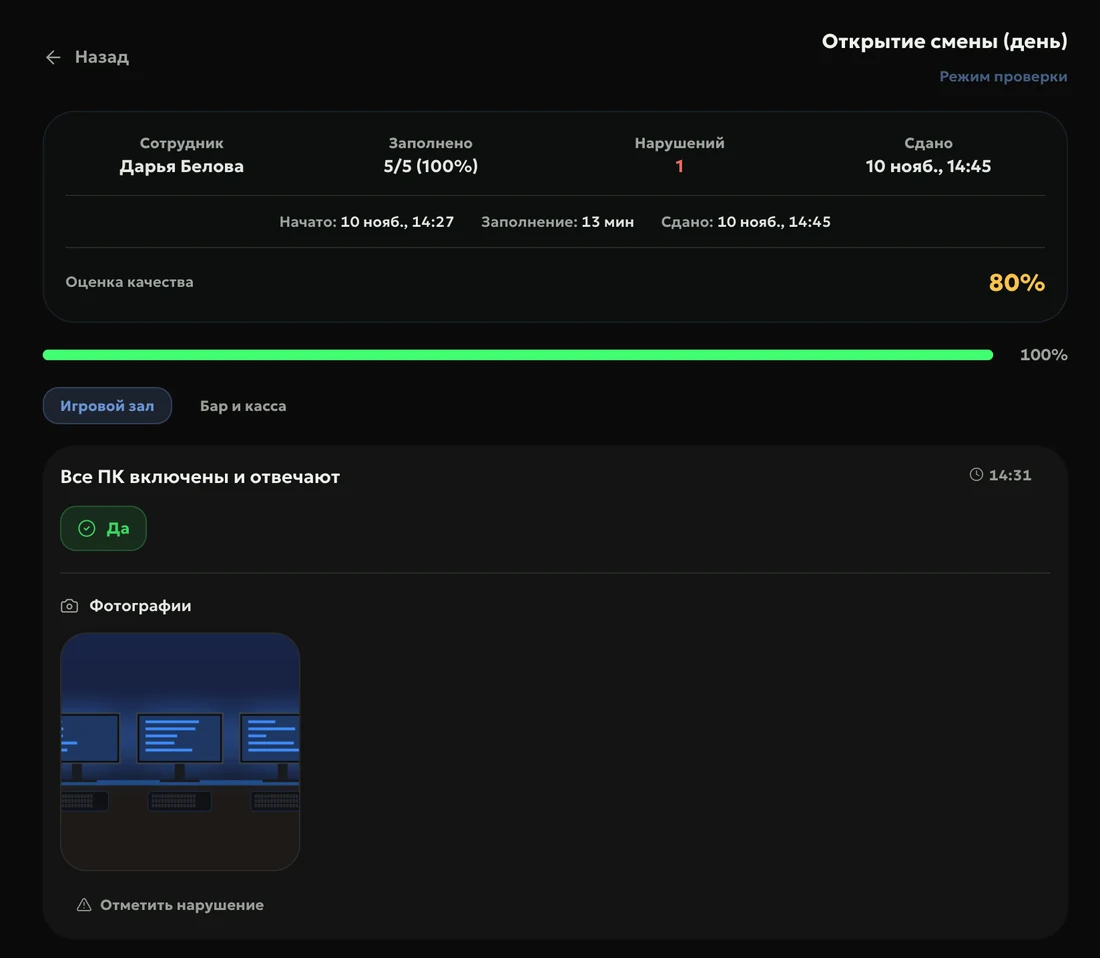
Cleaning is closed with a photo report and a comment, or with a post-cleaning checklist — the manager decides which. The photo is taken with the camera and isn’t lost if the connection drops, and an approved checklist closes the deep cleaning too.
Reviewthe manager accepts the cleaning or returns it with a comment
Timethe ERP records how long the cleaning took
How to start
Choose a rule
By days, by hours of play or hybrid — the calculator shows how often each PC will be cleaned.
Set a schedule
How many PCs per shift, on which days and shifts, which zones or seats.
Choose the report
A photo with a comment or a post-cleaning checklist — the manager accepts or returns it.
By cleaning debt: days or hours of play since the last cleaning, divided by your threshold. From 1 it is “Priority”, from 1.5 — “Critical”, and those PCs go first in the queue.
What is the hybrid mode?
Cleaning by hours of play, but within a set range of days — 7 to 45 by default. A popular PC isn’t cleaned every day, and an idle one never goes more than 45 days without cleaning.
How does deep cleaning get into a shift?
The schedule puts the needed number of PCs on a shift: every shift, every day, every N days or on chosen weekdays. The plan card appears in the admin’s console and on their phone, and the ERP flags late cleaning.
Do I need the PC Agent for deep cleaning?
No. The ERP takes hours of play from shell sessions, and the admin marks the cleaning done.
Which module includes deep cleaning?
Operations: rules, schedules, review and analytics. An admin can take and close a cleaning in the mobile admin workplace, which is open to every club.
Try Loot Arena
7 days on your club’s data: the shell integration by API is already set up, and every feature is open with no limits. It all happens by itself — your access arrives by email.